
CRITIR Documentation
How to use CRITIR for thermal inspection of façades, solar arrays and structures — from capture planning and anomaly analysis to orthos, 3D, measurements and reports, explained with screenshots and diagrams.
Getting started
 System requirements & installation
Check the system requirements, install the app, and launch it for the first time
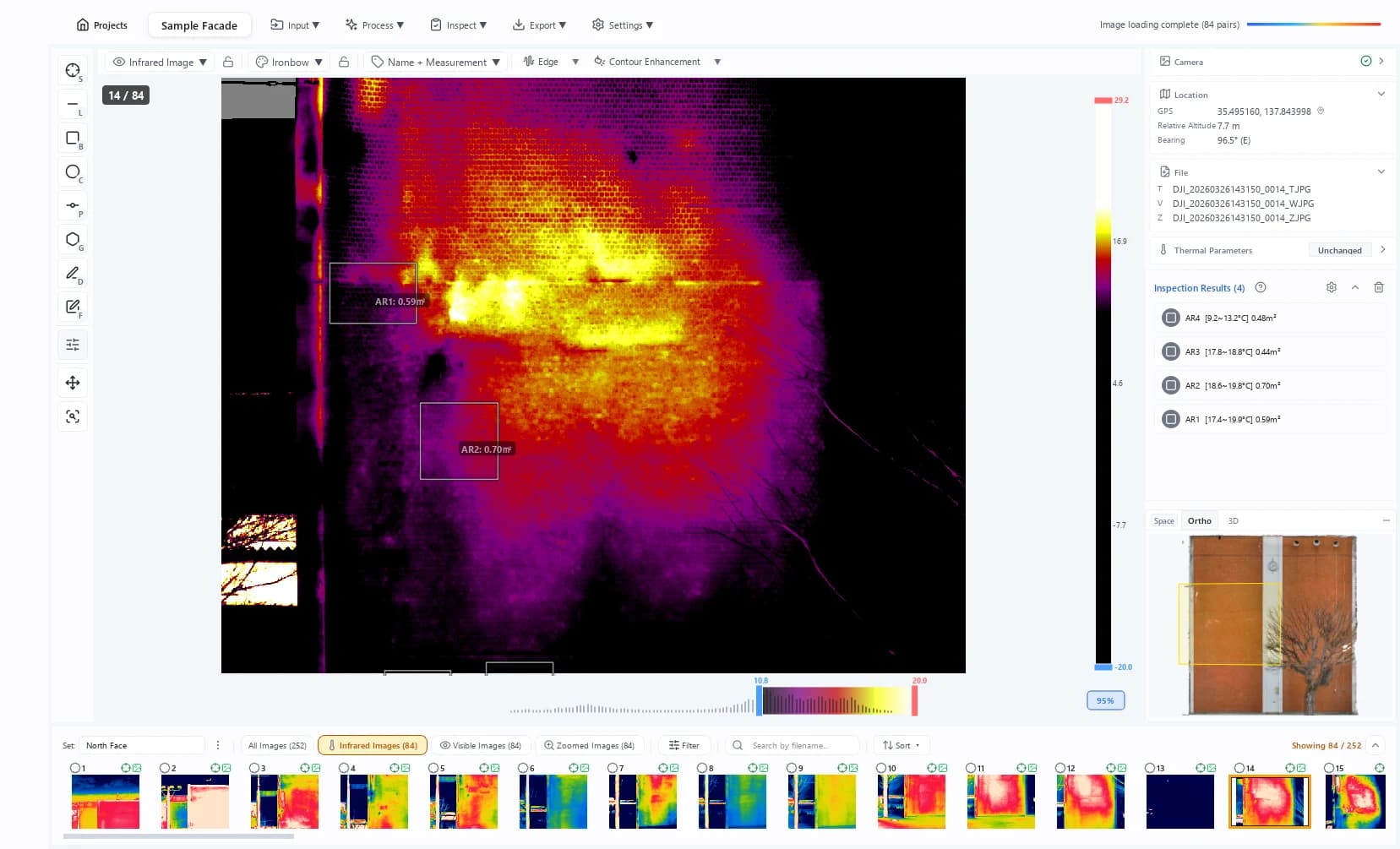 Quickstart
Walk through the full workflow, from creating a project to exporting a report
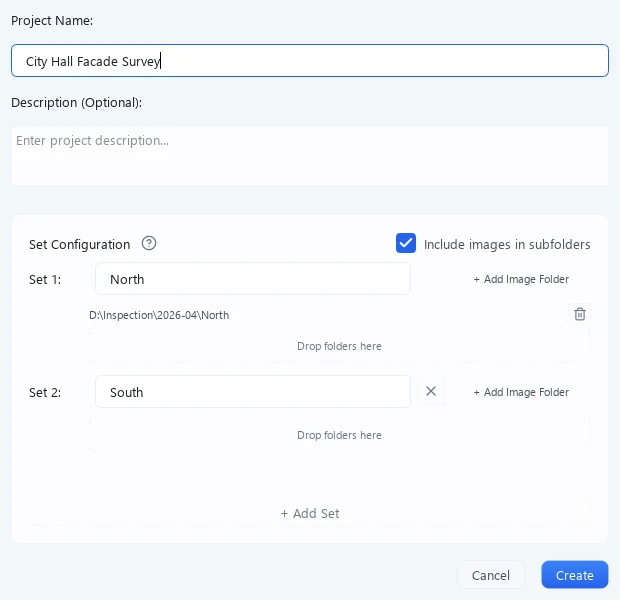 Project management
Create projects, manage sets, and filter images
 Plans and features
The difference between LITE and PRO, and which features require PRO
Look
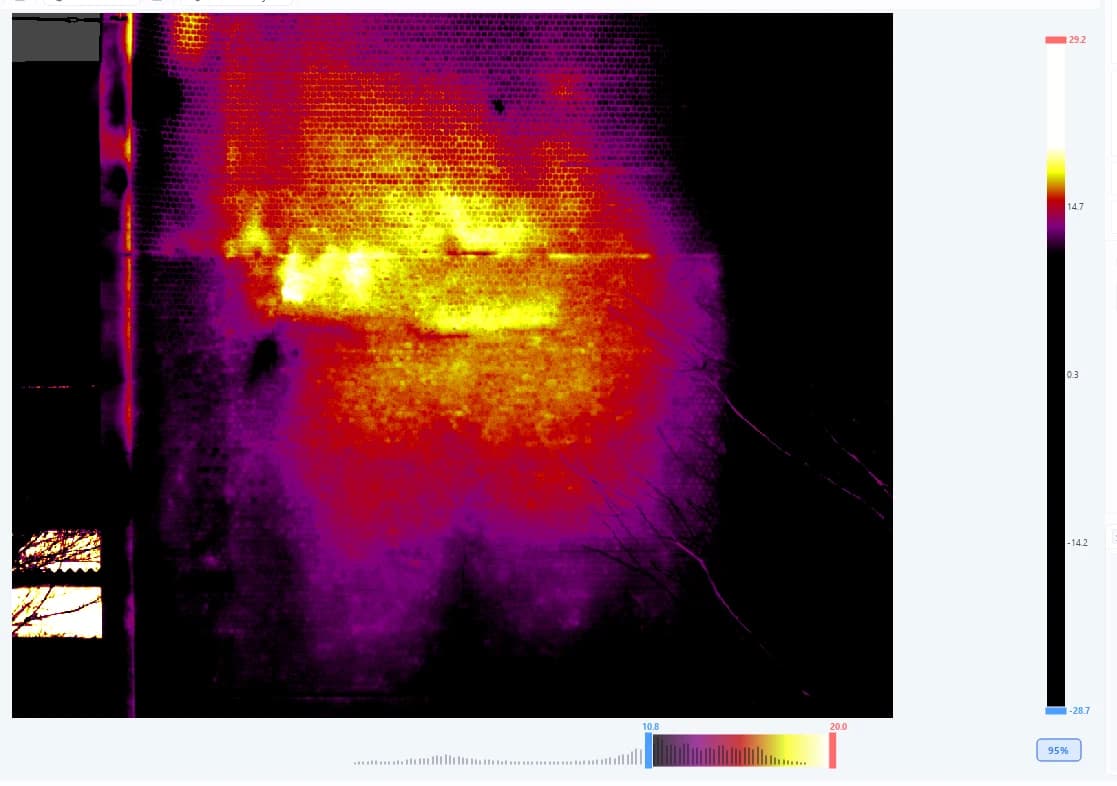 Infrared image analysis
Fit the display range to bring out anomalies. Palettes, alarms, and masks
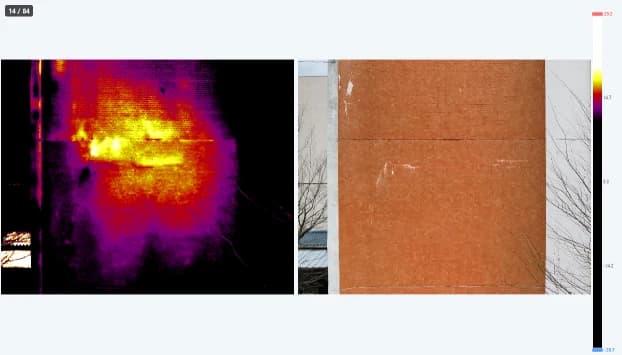 Viewer basics
The 8 display modes, zoom and pan controls, and comparing images
 Ortho viewer
View and work with orthomosaics that stitch a whole wall into one image
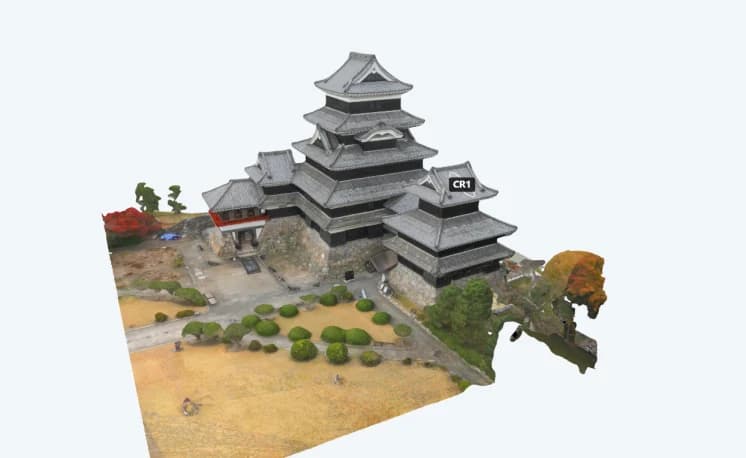 3D models
Generate 3D meshes and analyze temperature-mapped 3D models
 Same-location search
Find every image that shows the spot you clicked
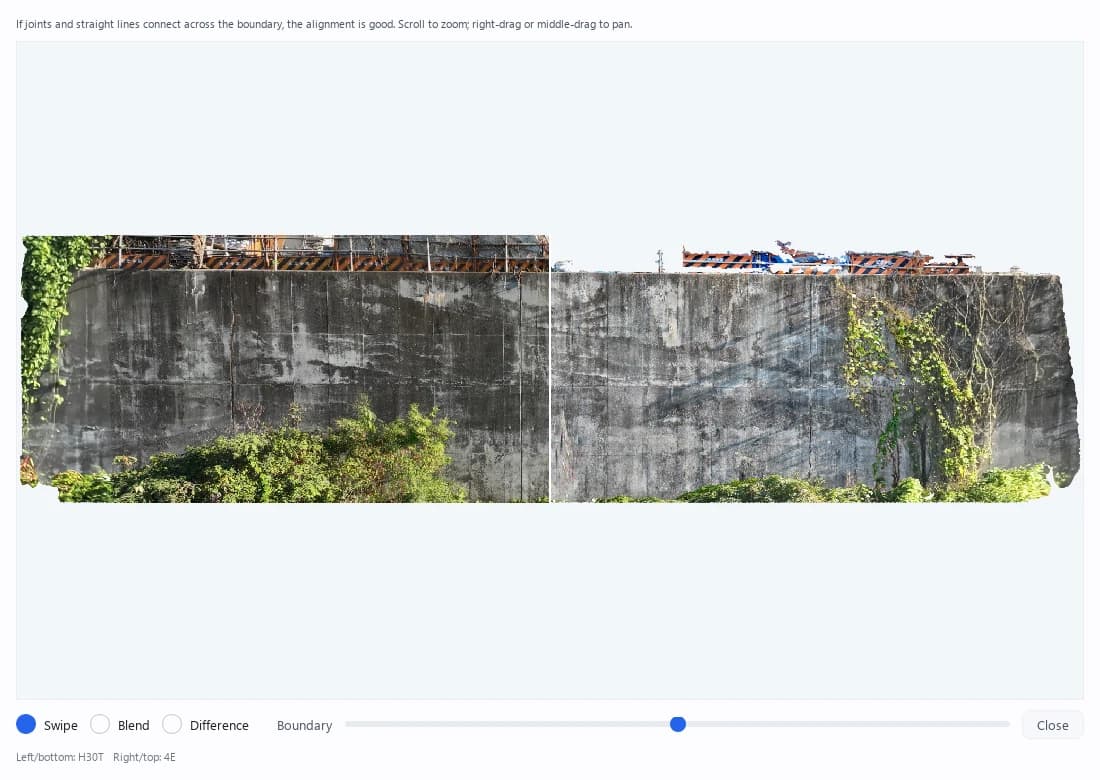 Set links
Link sets together to compare the same locations over time
Build and measure
 Capture planning (Thermal Planner)
Simulate sunlight and shadow per face and pick the right time to shoot before you leave (free web tool)
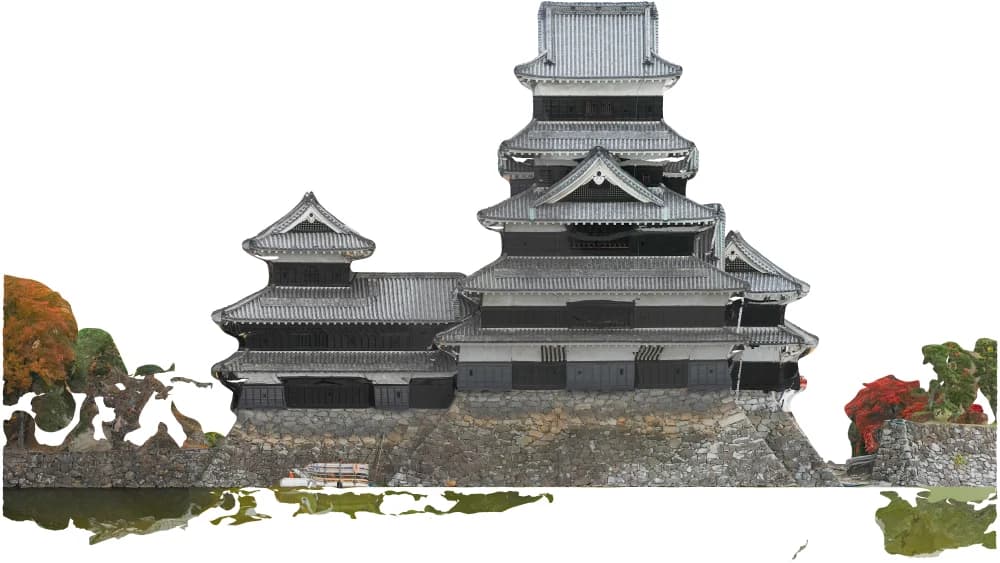 Orthomosaic generation
Turn many photos into an orthomosaic of a whole wall
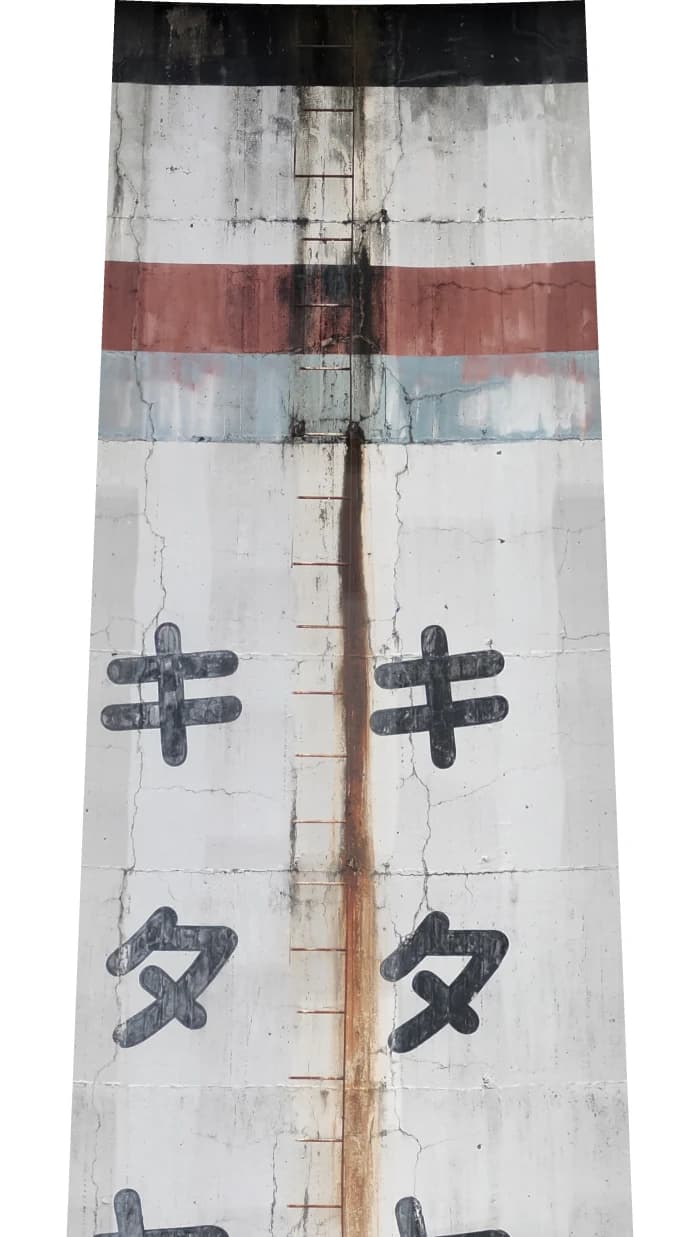 Unwrapped ortho (cylinder / cone)
Unwrap tanks, silos, chimneys and other cylindrical or tapered structures into a single image
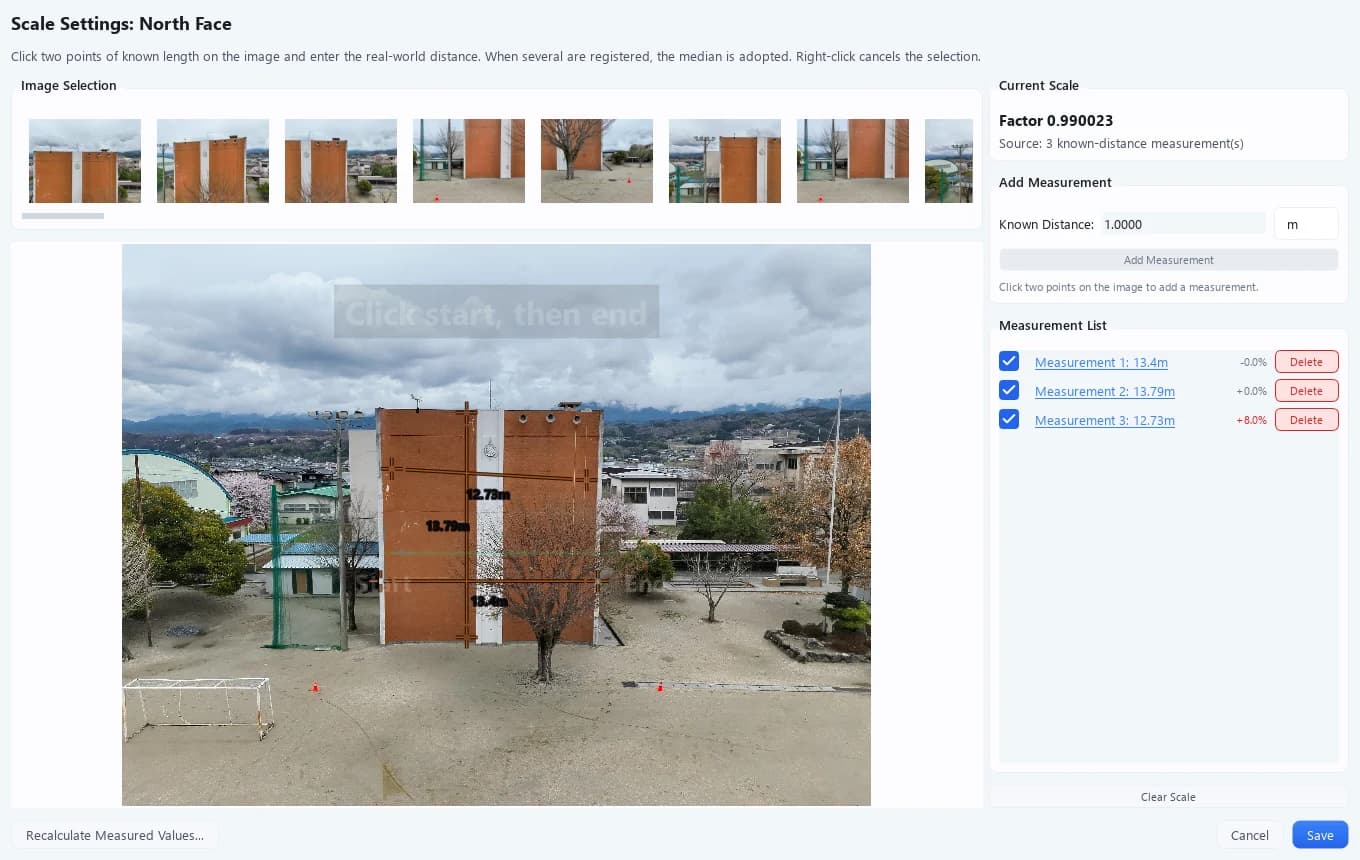 Scale settings
Set the real-world scale per set so distances and areas are correct
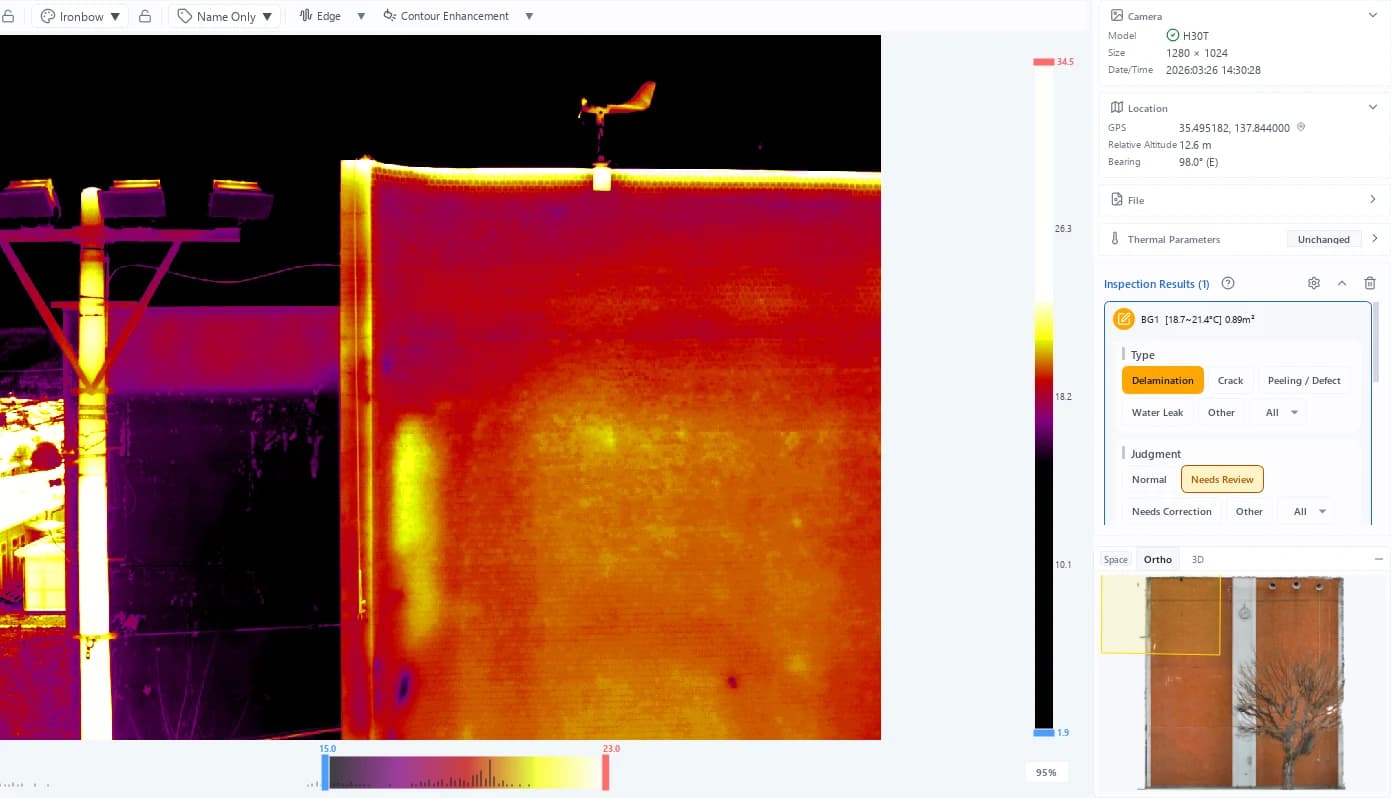 Measurement tools
How to use the 8 temperature measurement tools and manage measurement results
Report and share
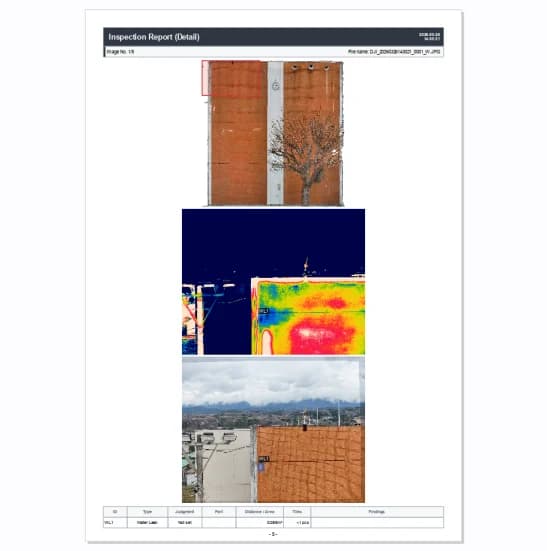 Report creation
Configure inspection reports and export them as PDF, Word, Excel or DXF
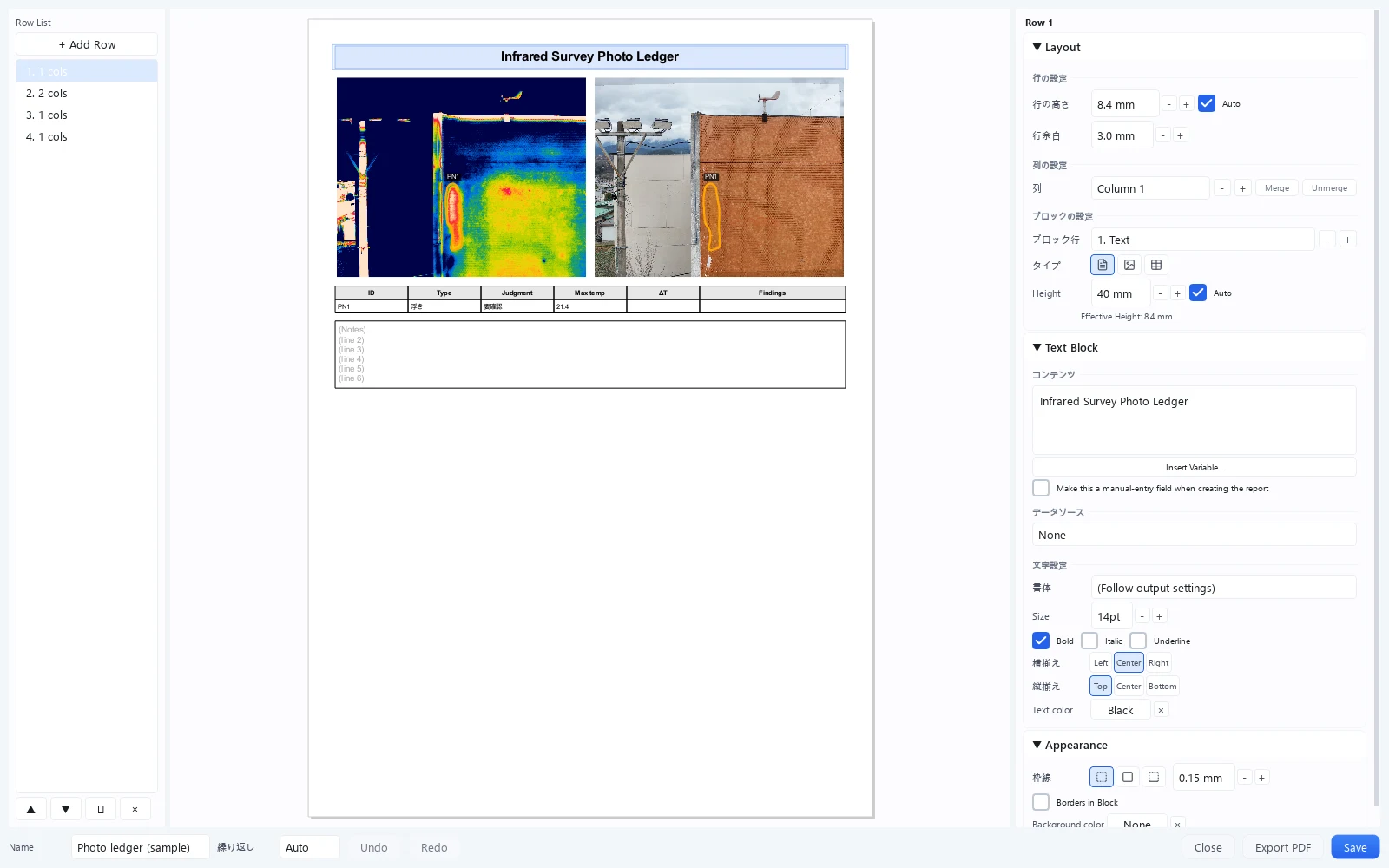 Template builder
Build custom report templates with fully flexible layouts
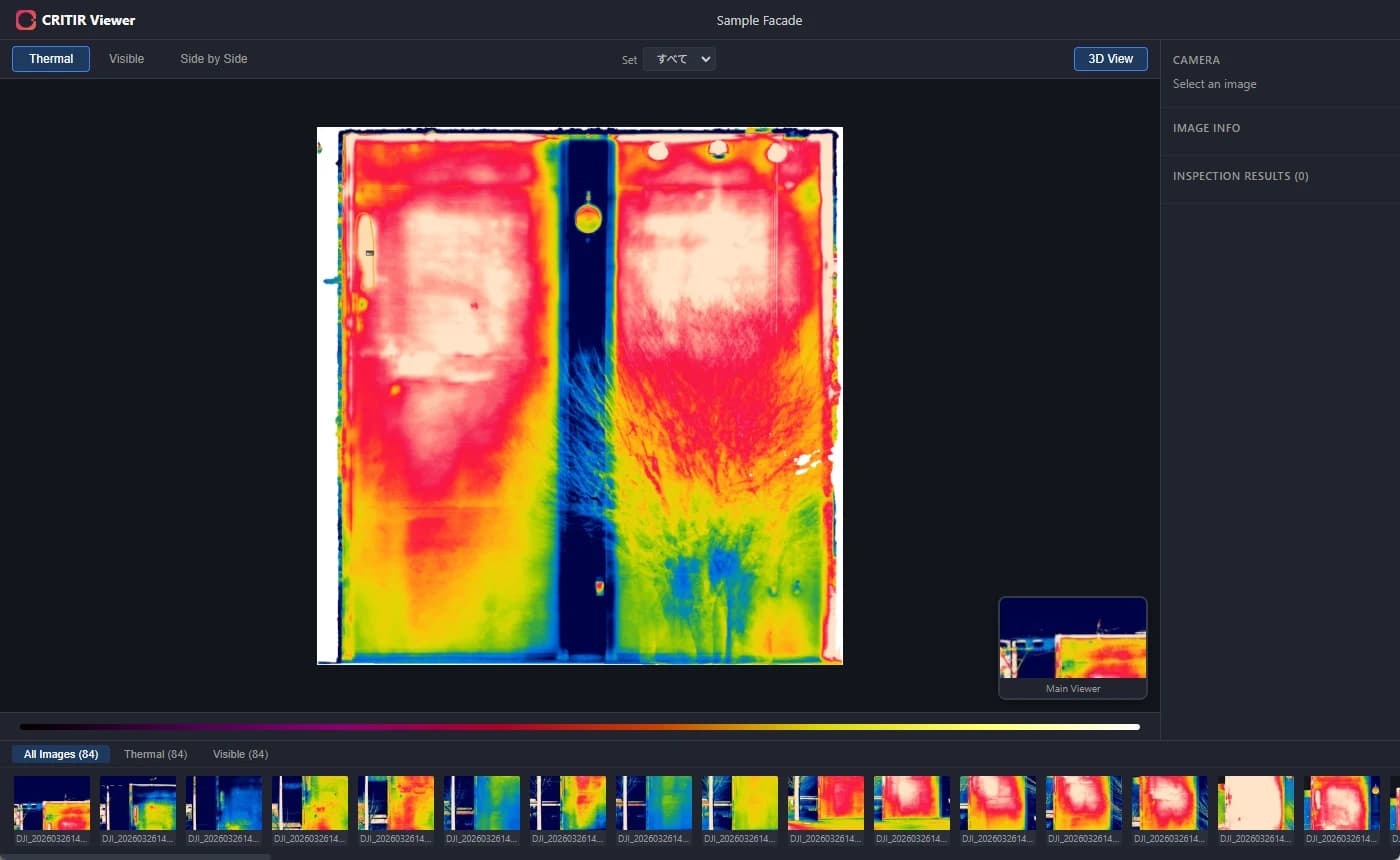 Export
Export images, HTML viewers, and projects
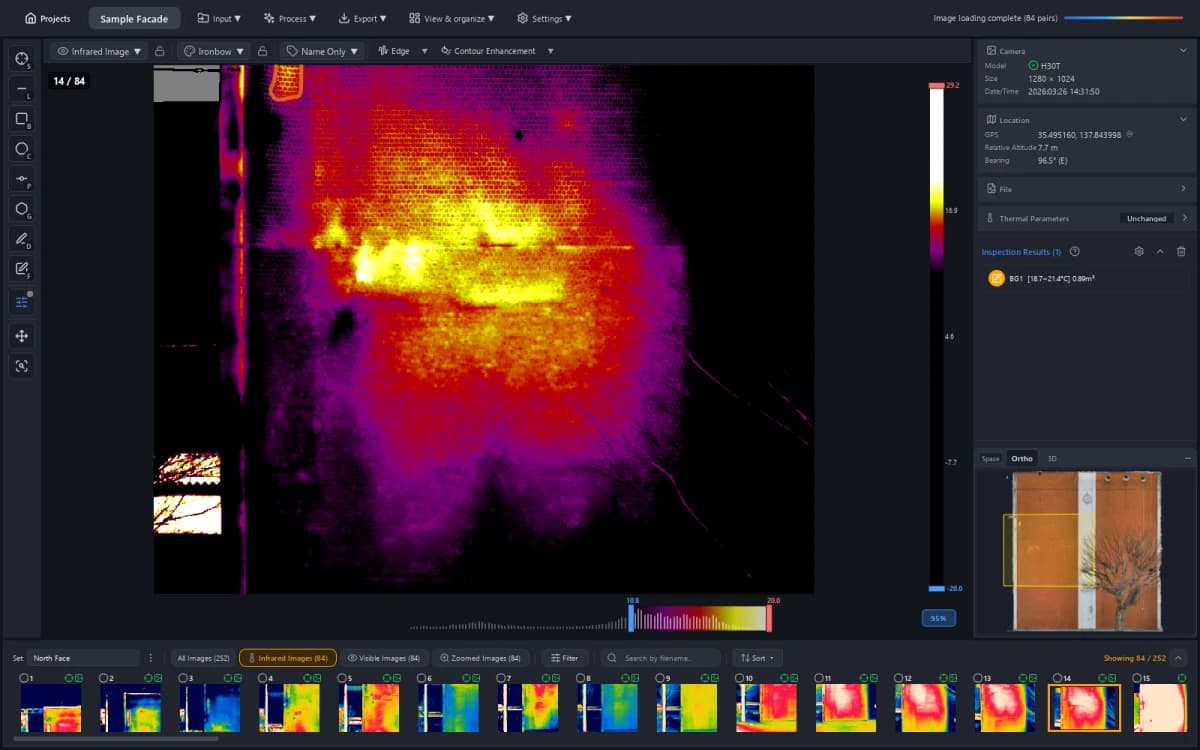 Settings
What you can change in Common Settings (language, temperature unit, theme, display scale, …)
Reference
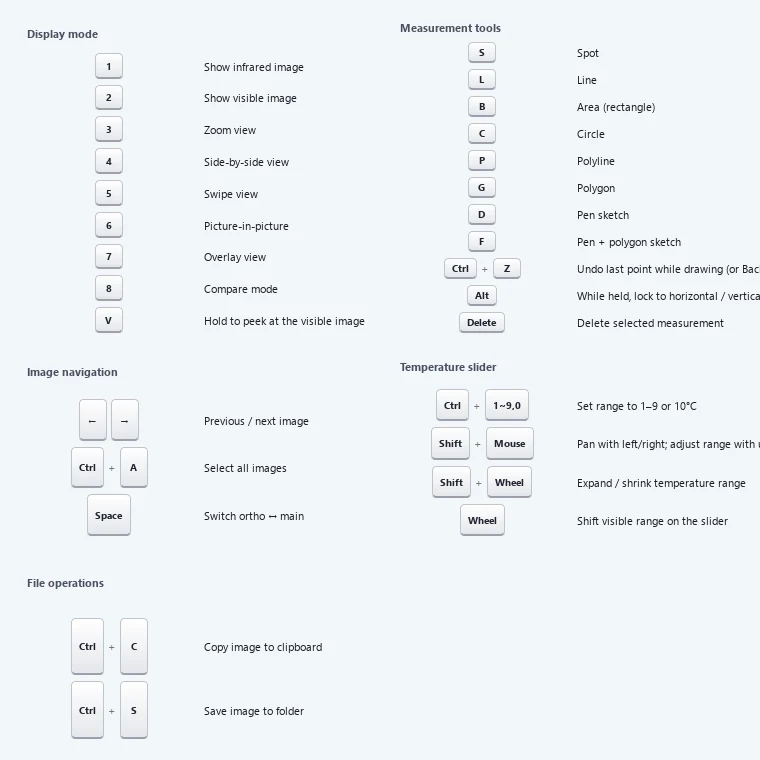 Keyboard shortcuts
Full list of keyboard shortcuts
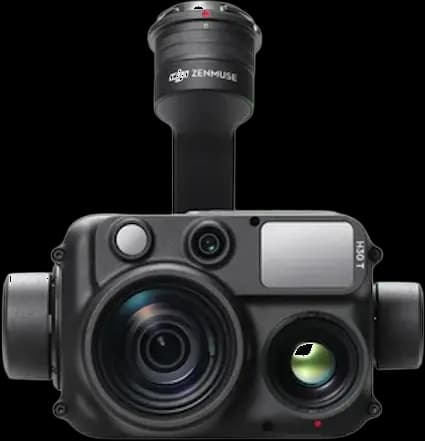 Supported cameras
Supported camera models and image formats
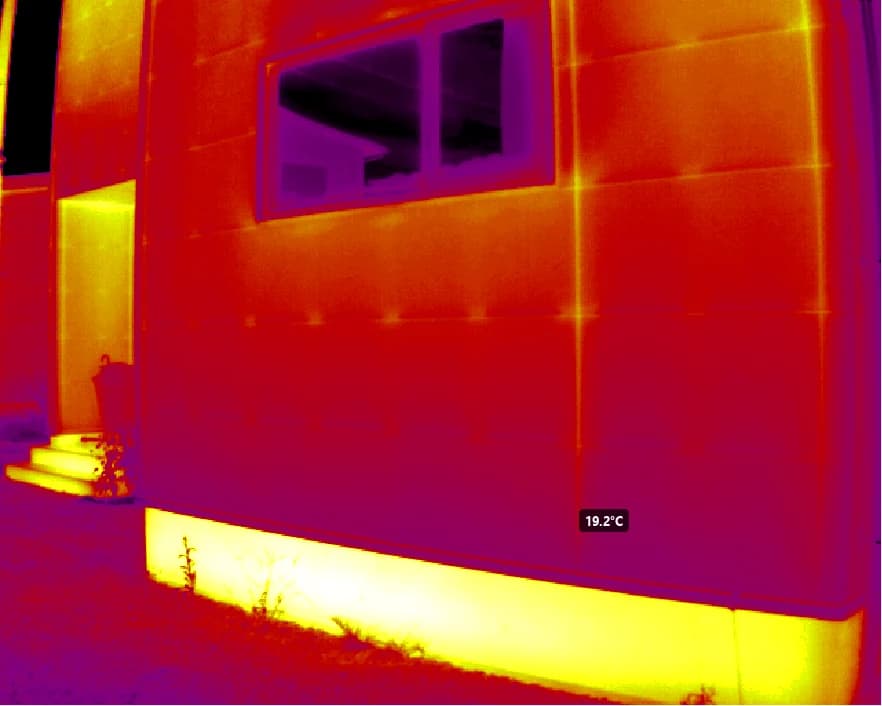 Shooting tips
Environmental conditions, shooting parameters, and common pitfalls in infrared photography