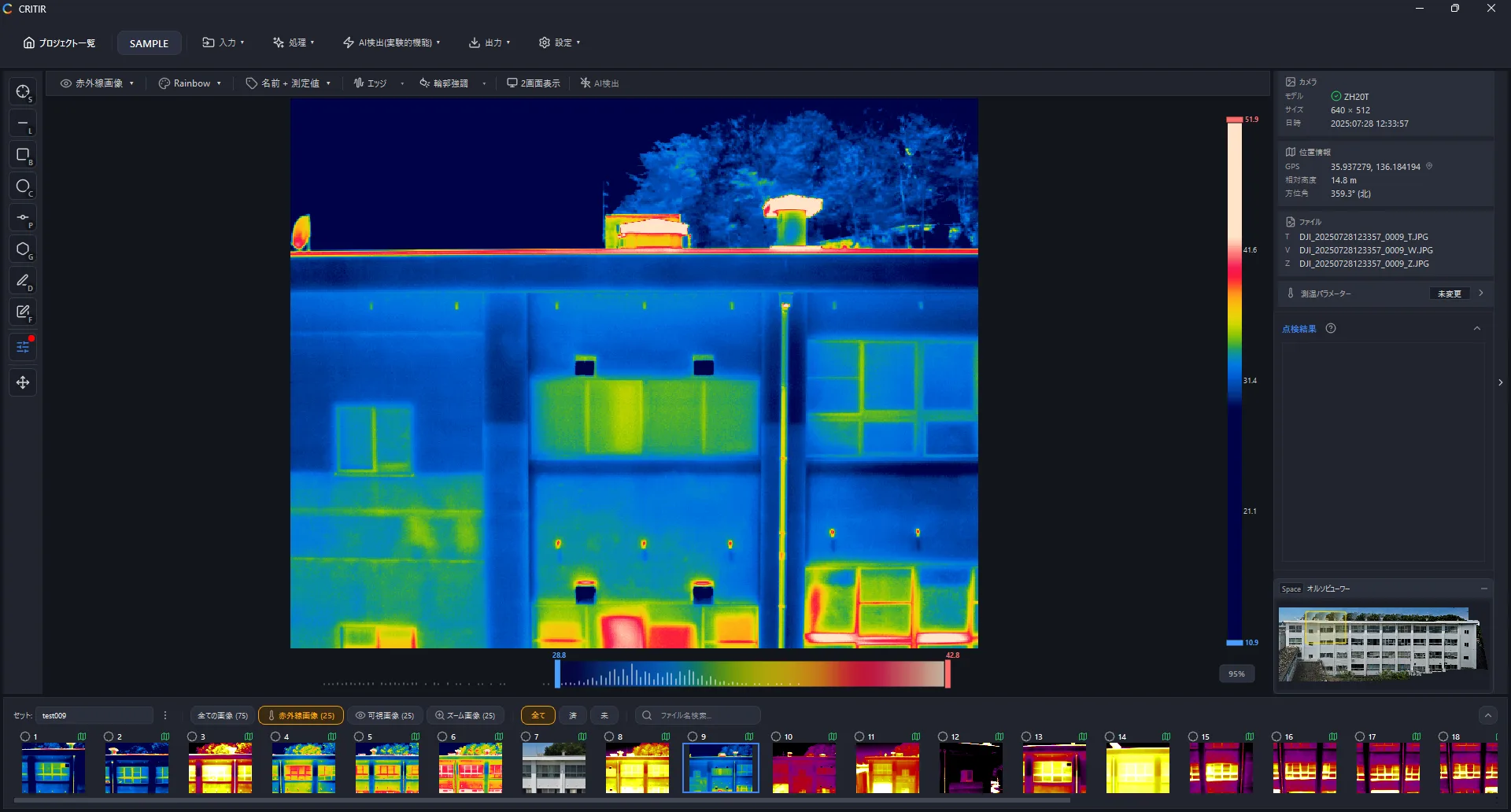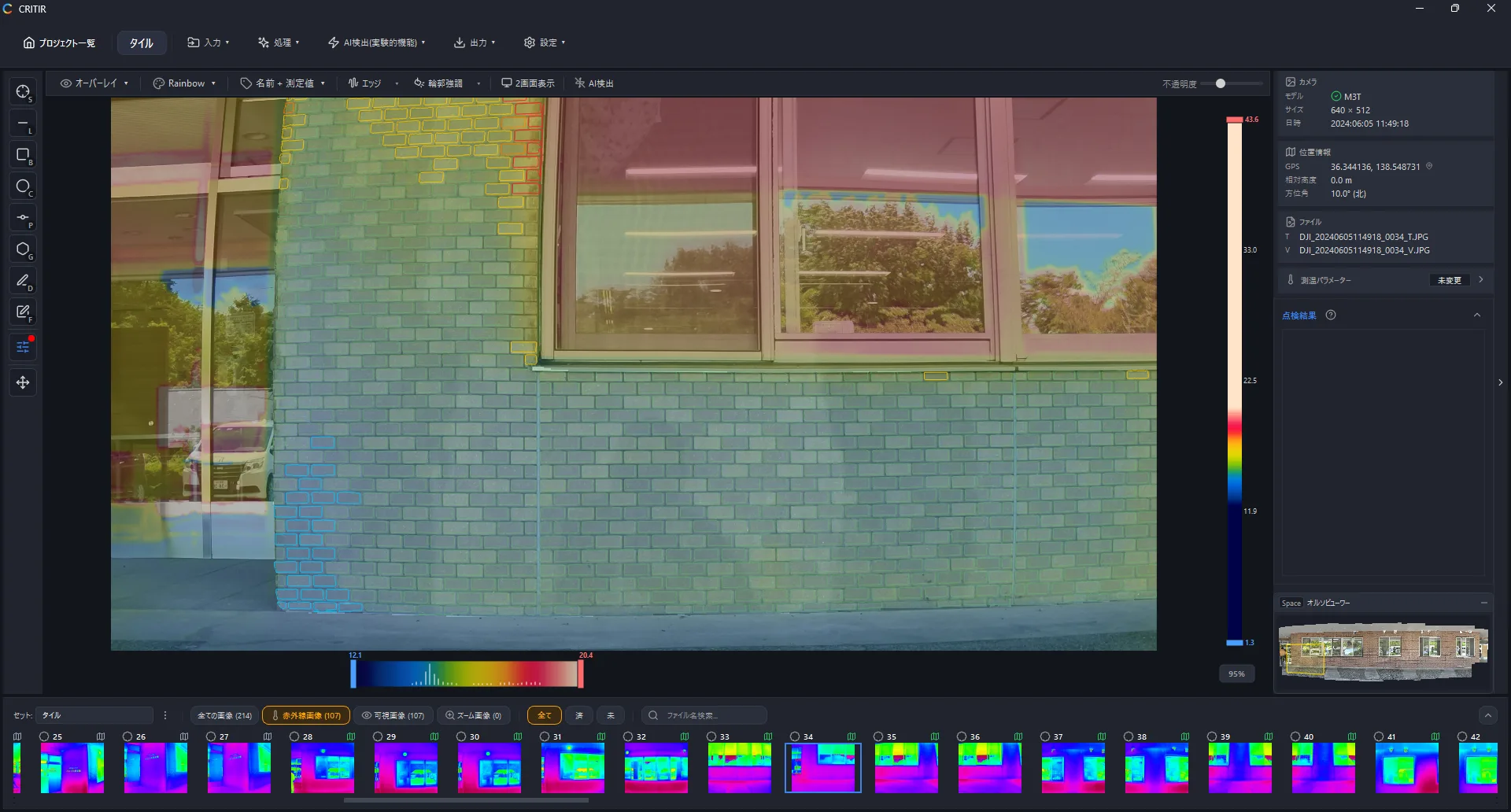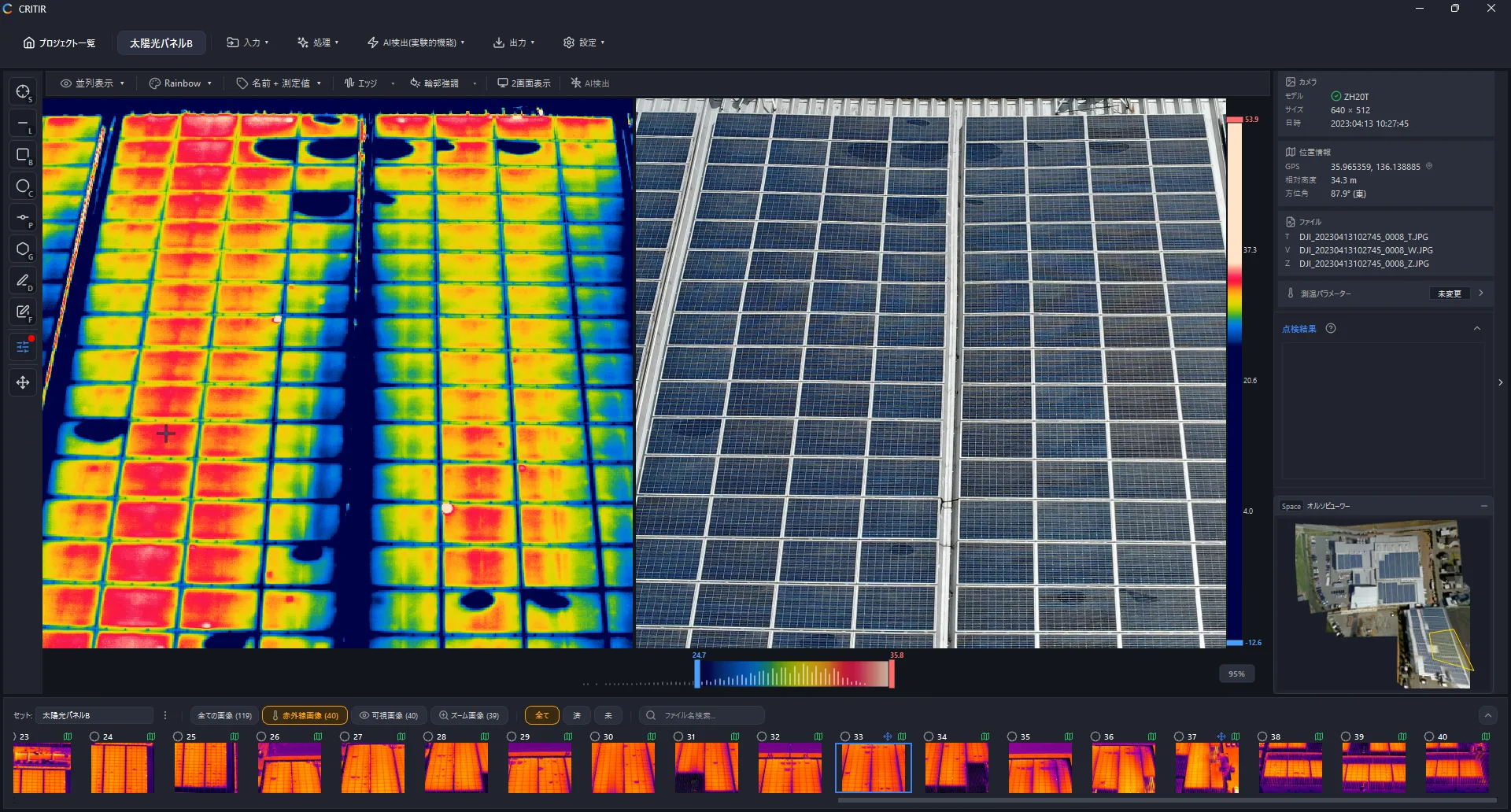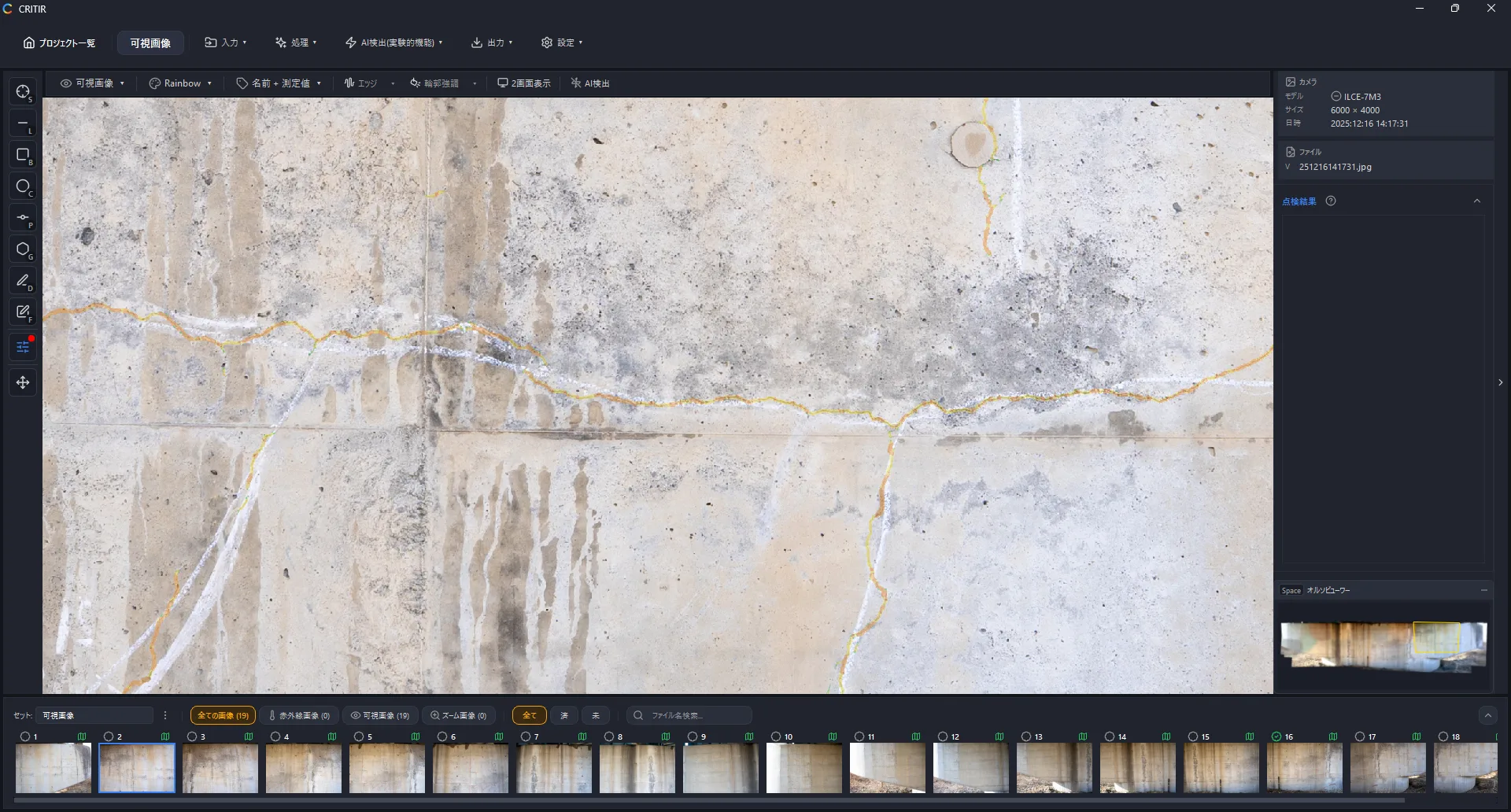
CRITIR — Thermal Image Analysis & Inspection Software
From thermal analysis
to reporting —
all in CRITIR.
Supports 8 brands, including DJI, FLIR and HIKMICRO —
drone or handheld, analyze thermal images without conversion.
Inspect thermal and visible imagery together on orthoimages and 3D models.
A new standard for facade, solar and structural inspection.
Built in the field. Verified by experts.
Developed by ASOLAB, which runs its own thermal inspection operations, and supervised by TERS, a leading authority in the field.
Field knowledge meets professional rigor in software you can trust.

A drone-services company based in Matsumoto, Nagano. Our in-house experience running thermal inspections is built directly into the product.

The organization behind Japan's certified thermography inspector program. Experienced inspectors from TERS help ensure real-world accuracy and reliability.
DJI / FLIR / HIKMICRO / Fluke / Skydio / NEC Avio
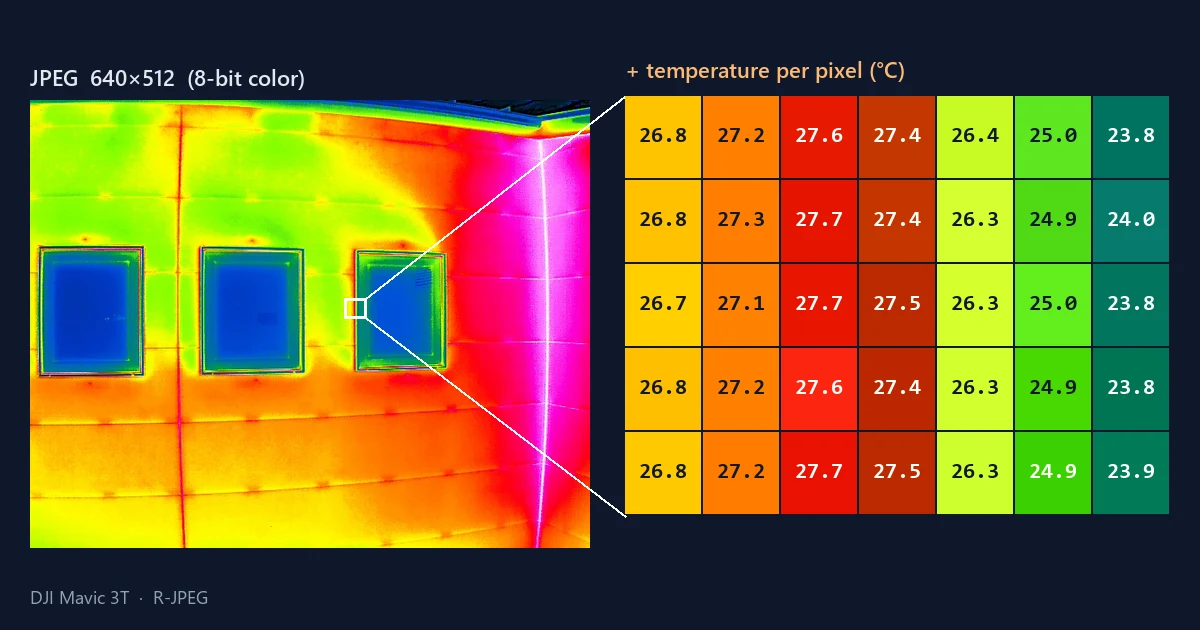
images, no conversion needed
Load JPGs straight from the camera. No third-party converters required.
Zero cost, zero time spent on conversion.
A polished analysis experience
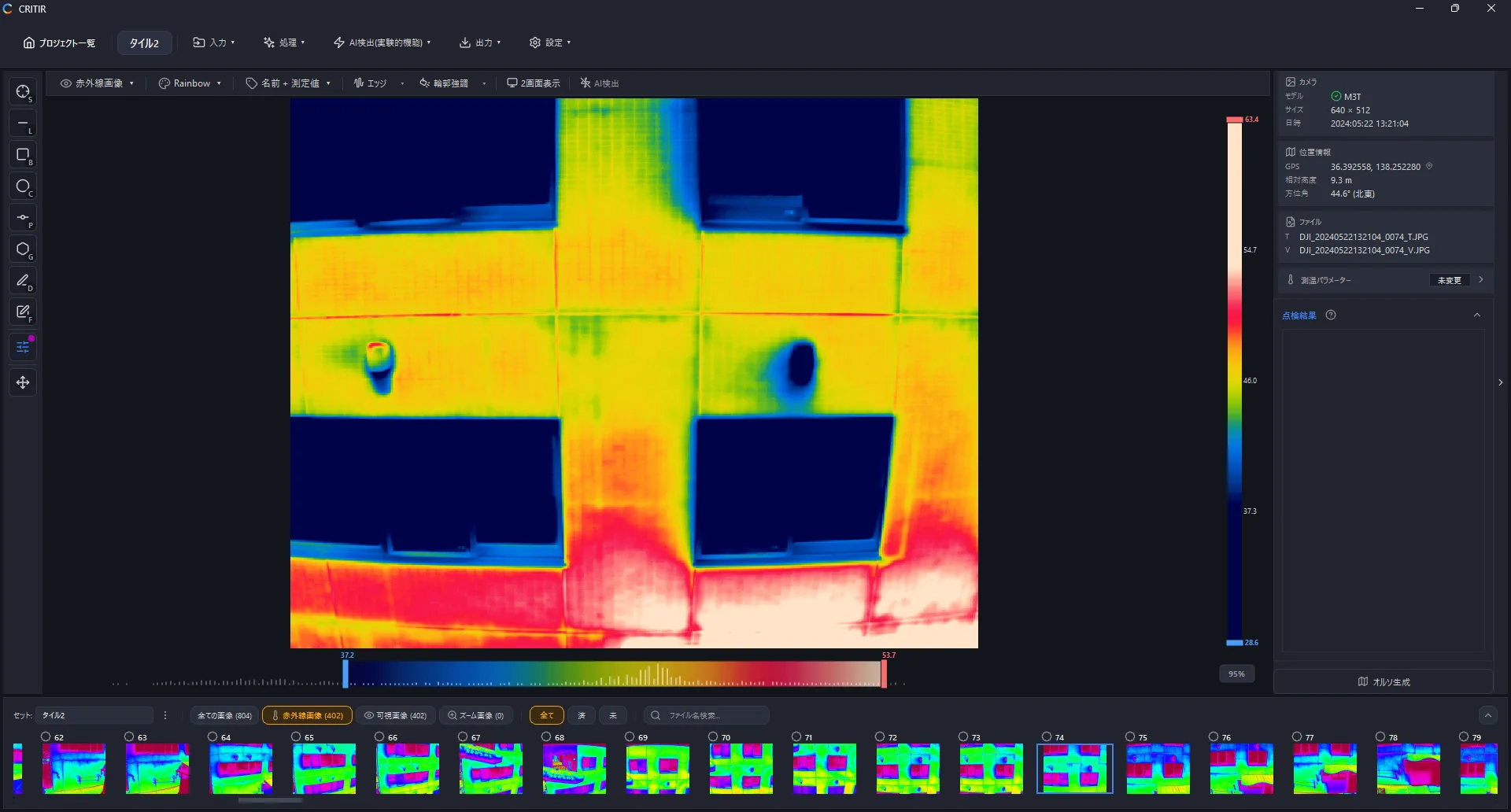
Intuitive controls for professional-grade analysis.
Histogram control
Hold SHIFT anywhere on the screen to adjust the temperature range.
Small touches throughout reduce friction during detailed analysis and measurement.
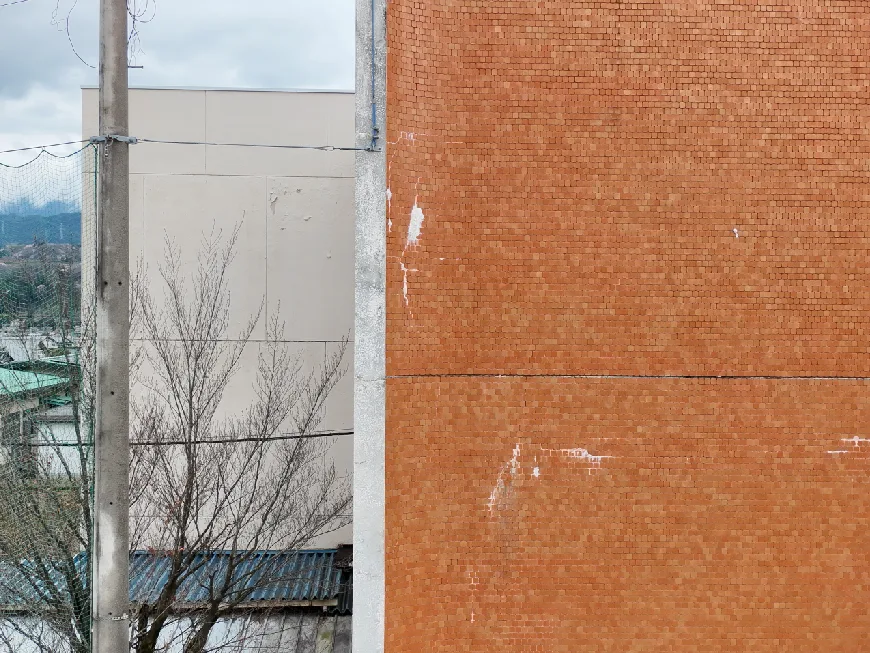
Display modes
Switch between display modes with one click.
Analyze images from every angle so even small anomalies don't slip through.
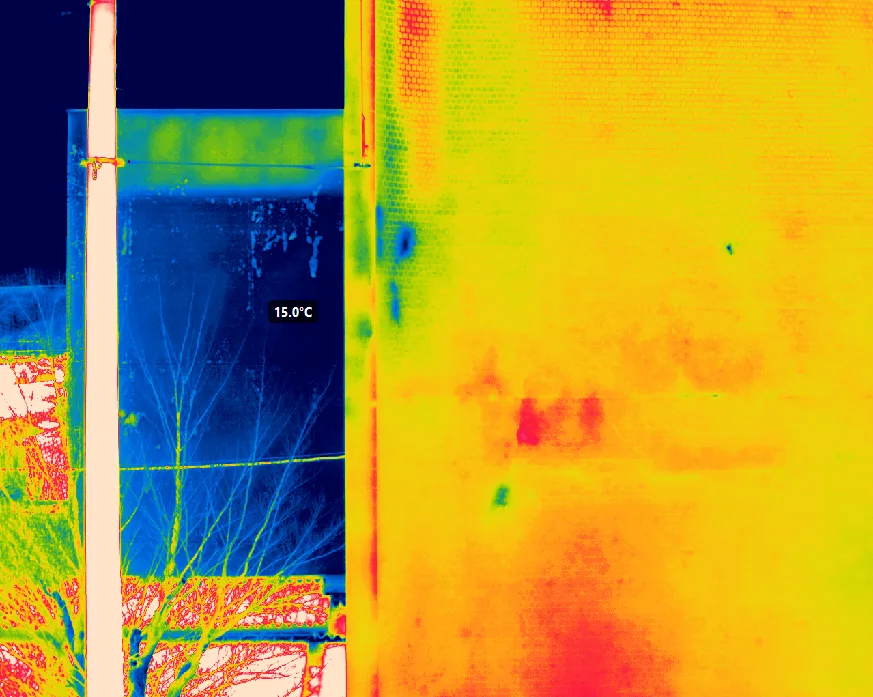
Thermal
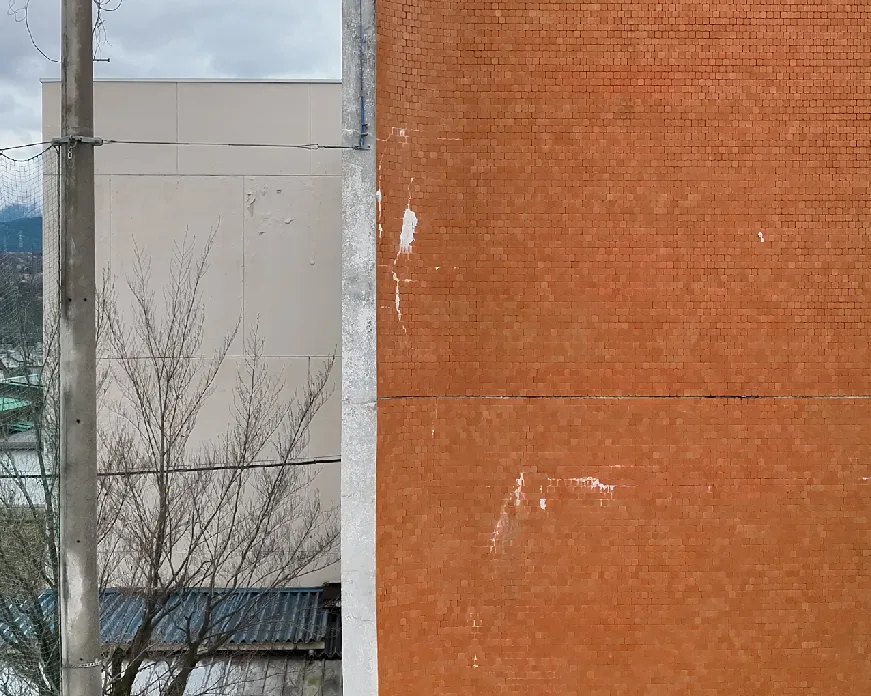
Visible
Zoom
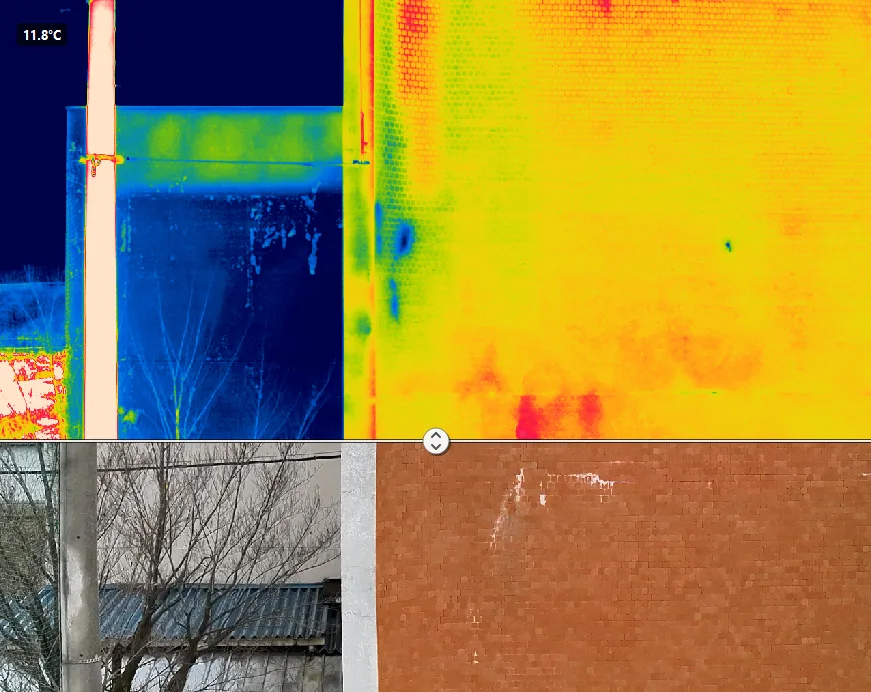
Swipe
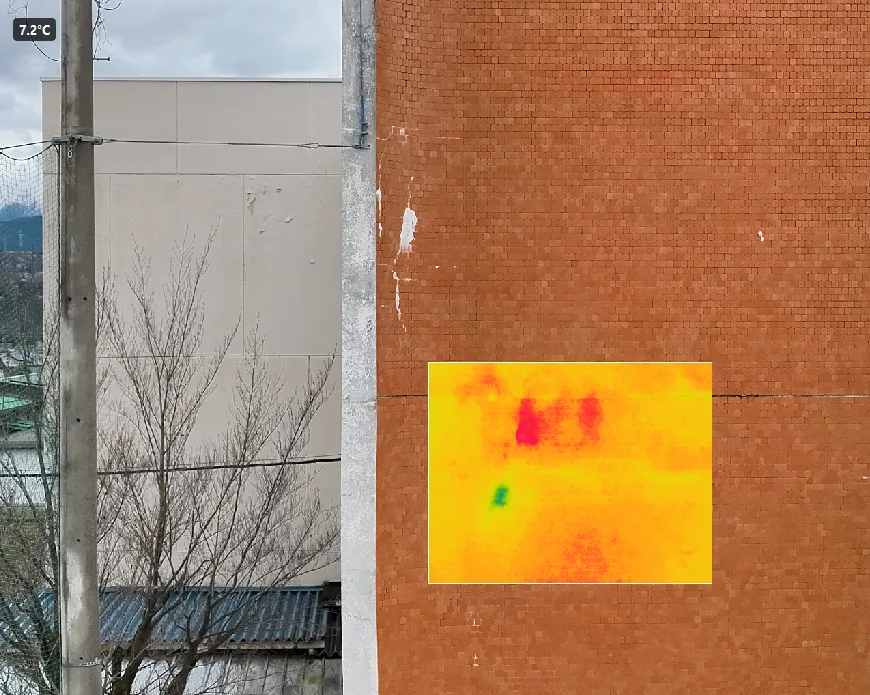
Picture-in-Picture
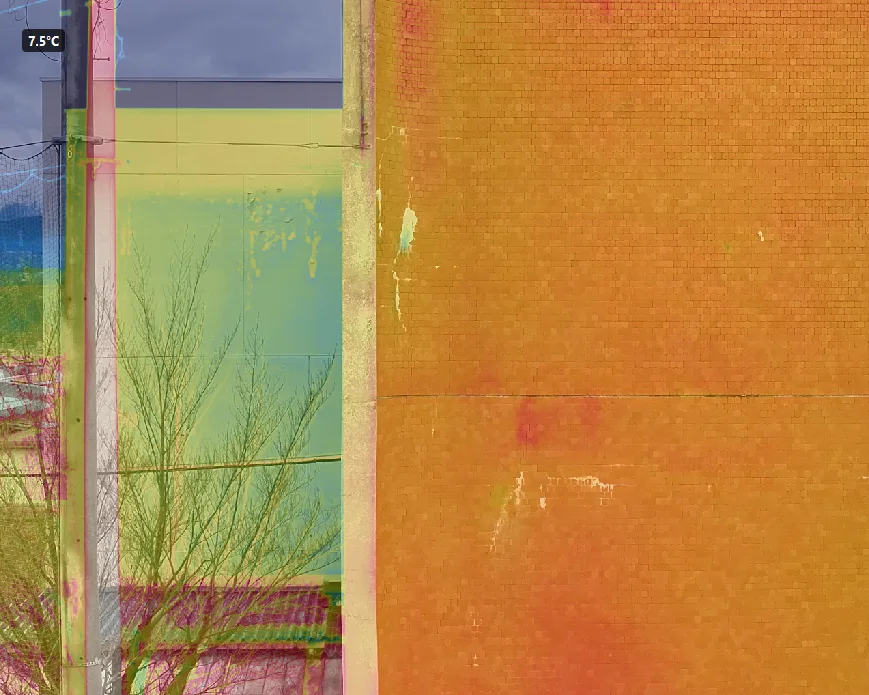
Overlay
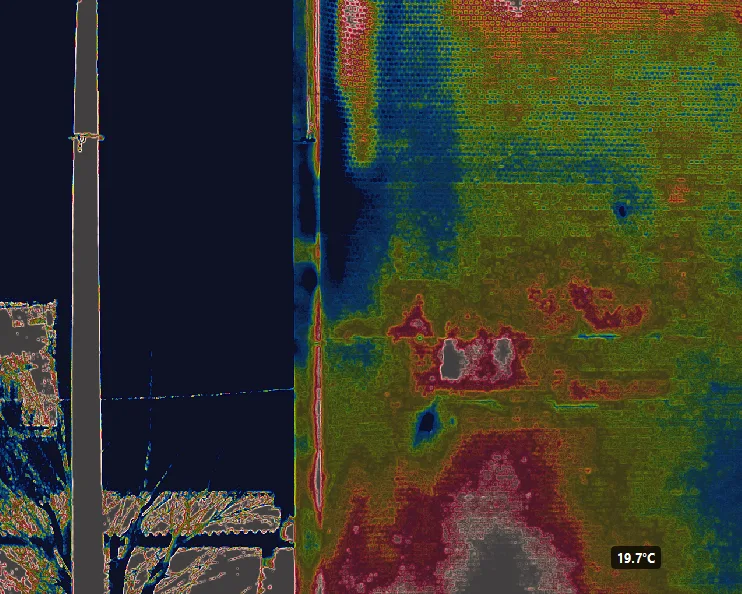
Edge
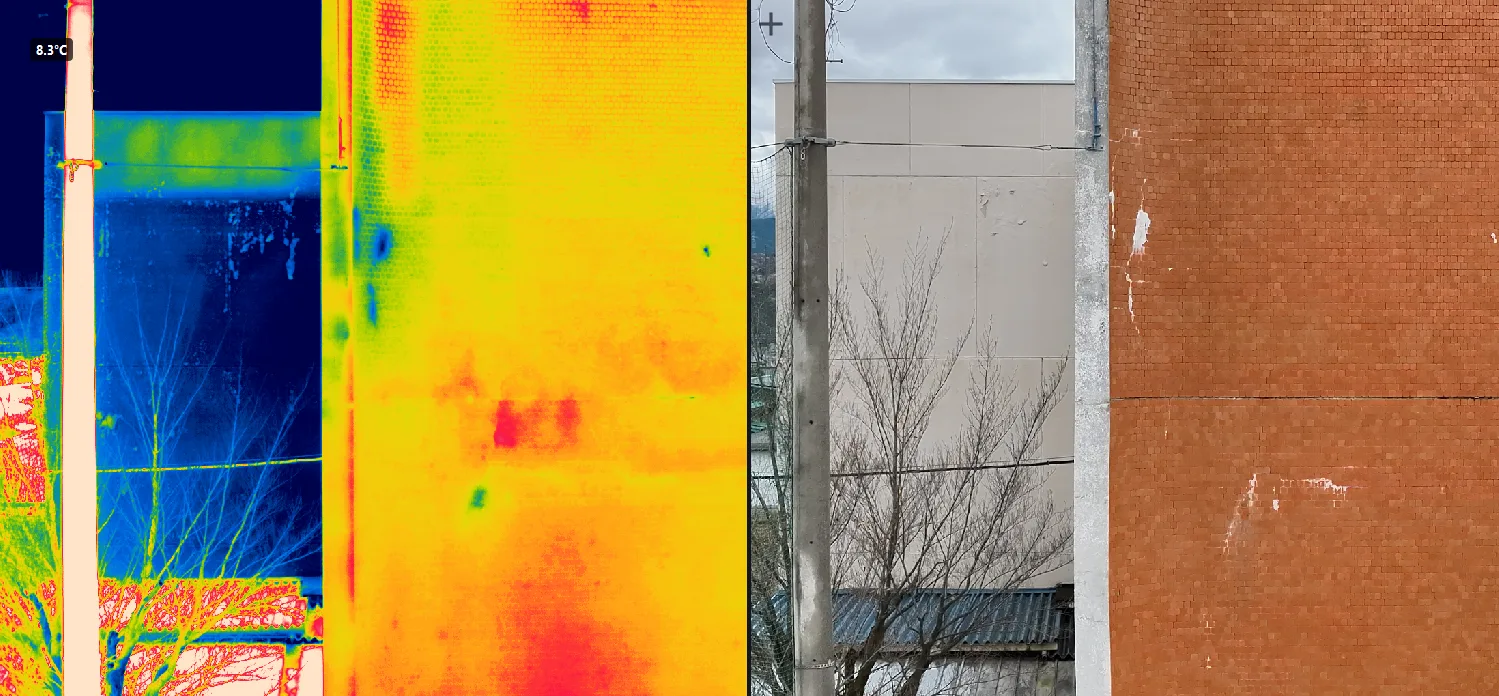
Side-by-side
Compare
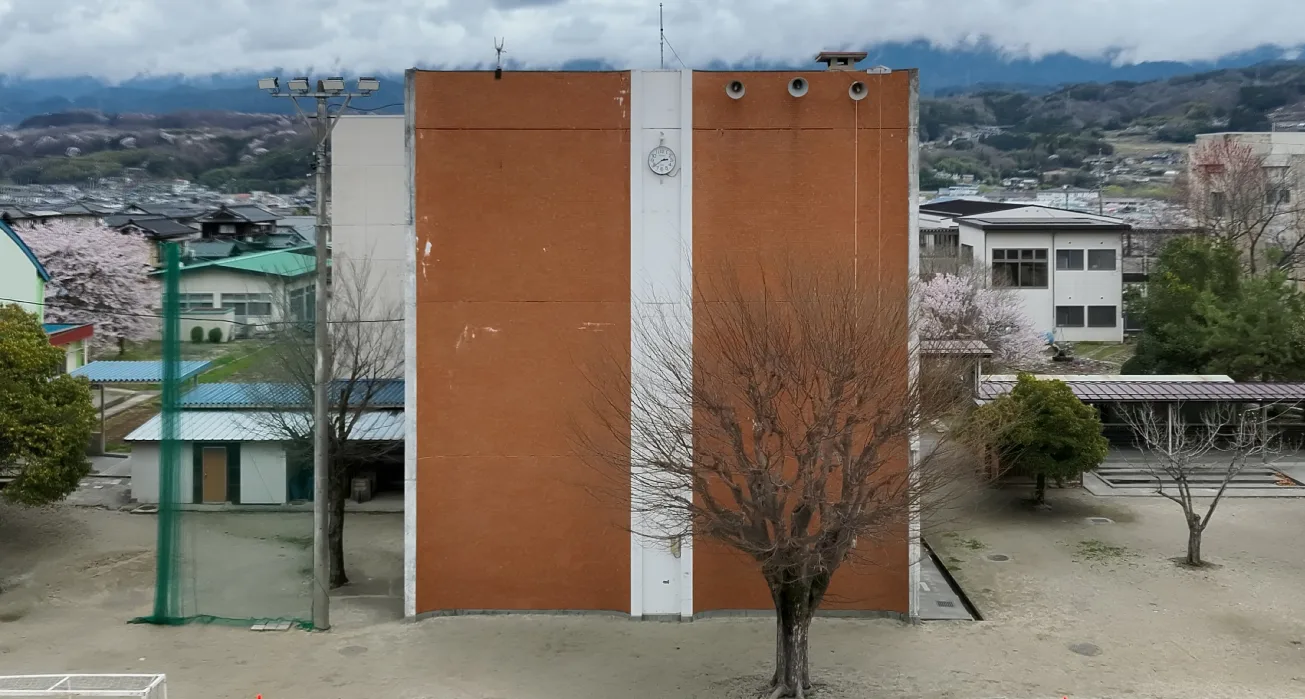
Orthoimage
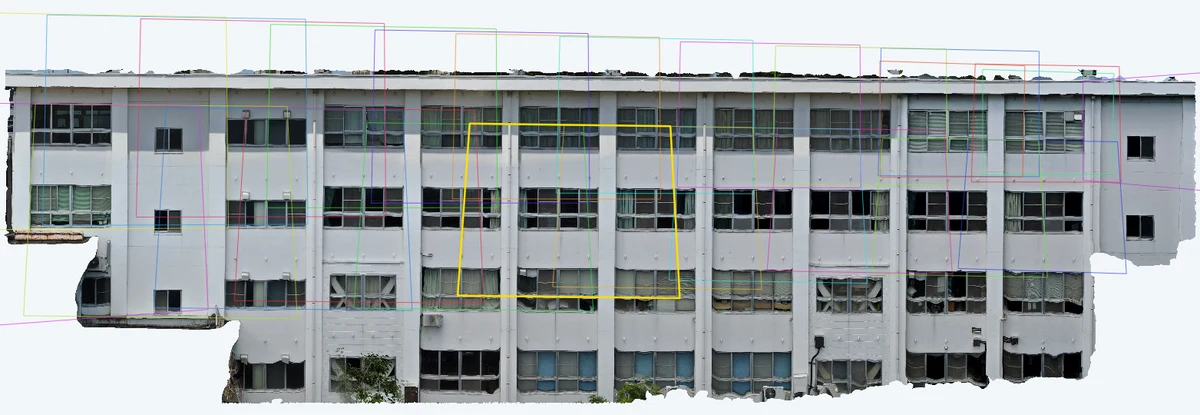
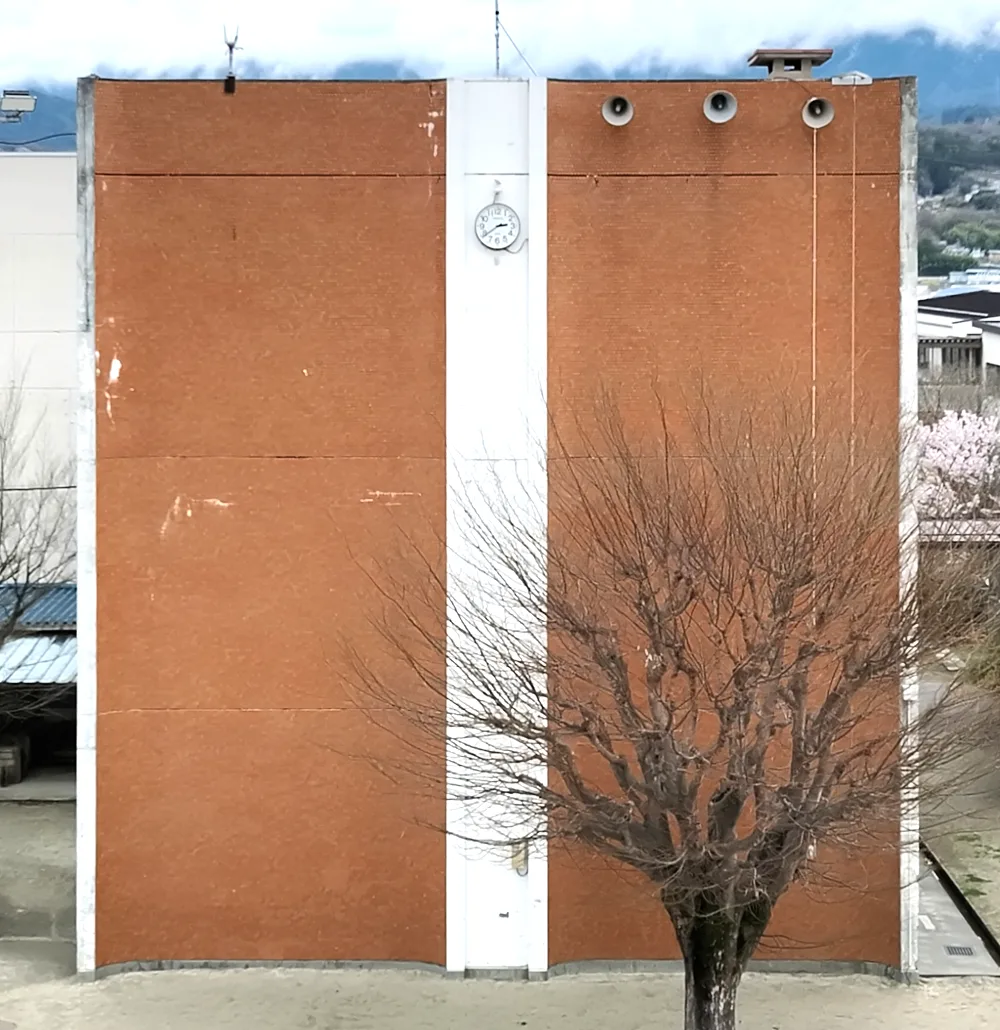
Stitch your images into
a wall-facade orthoimage
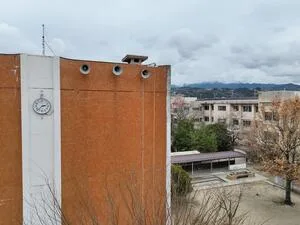
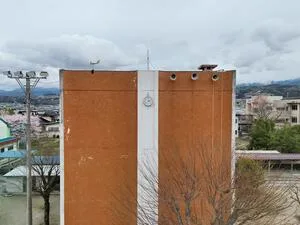
Individual images are stitched into a single orthoimage automatically.
Individual photos become one orthographic view of the facade.
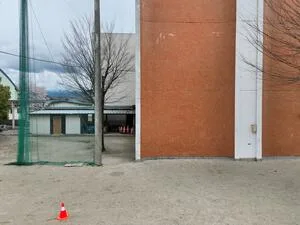
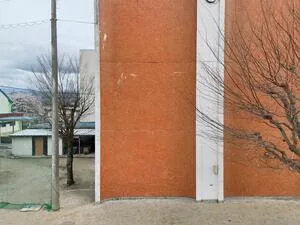
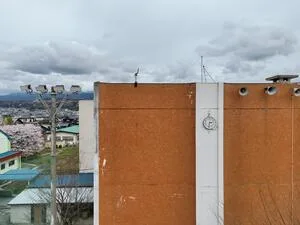
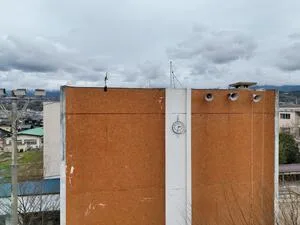
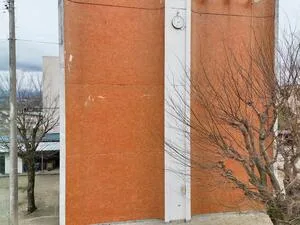
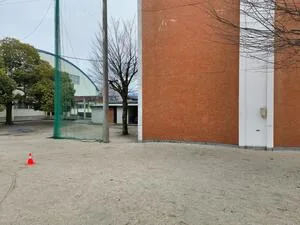
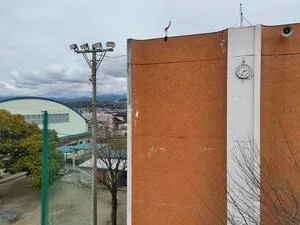
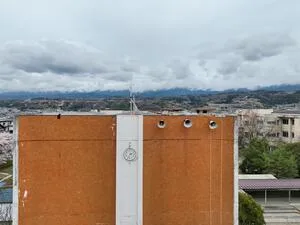
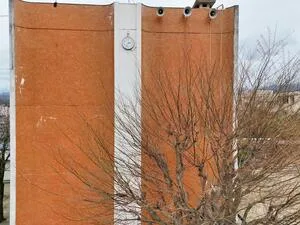
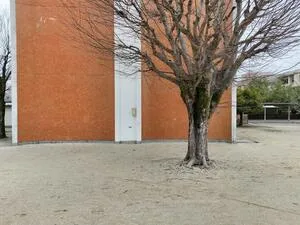
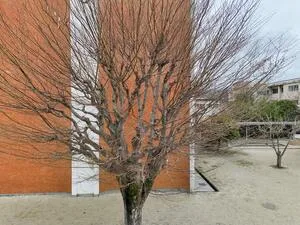
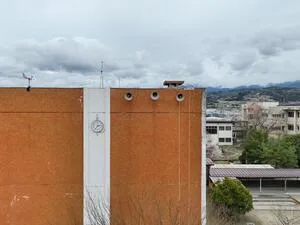
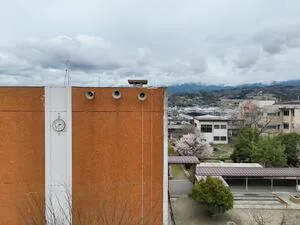
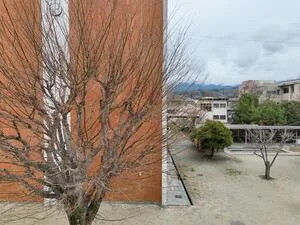
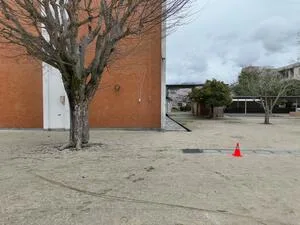
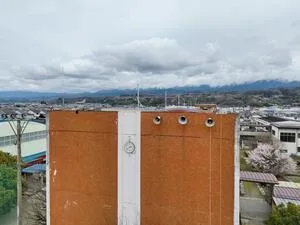
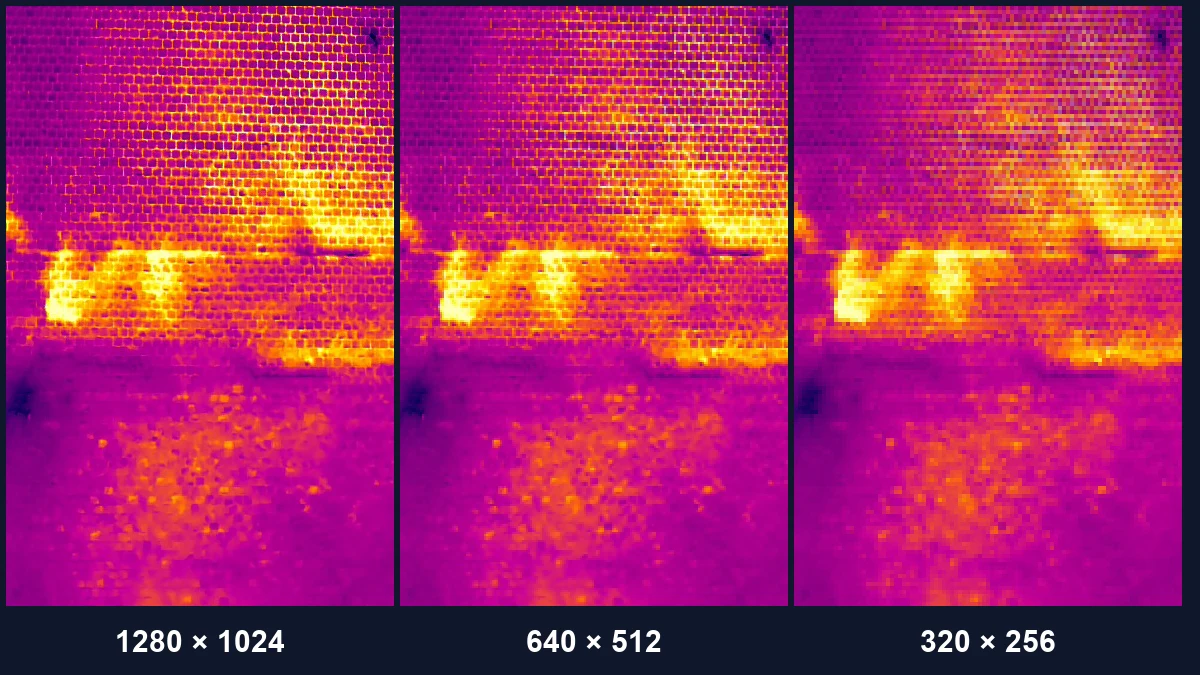
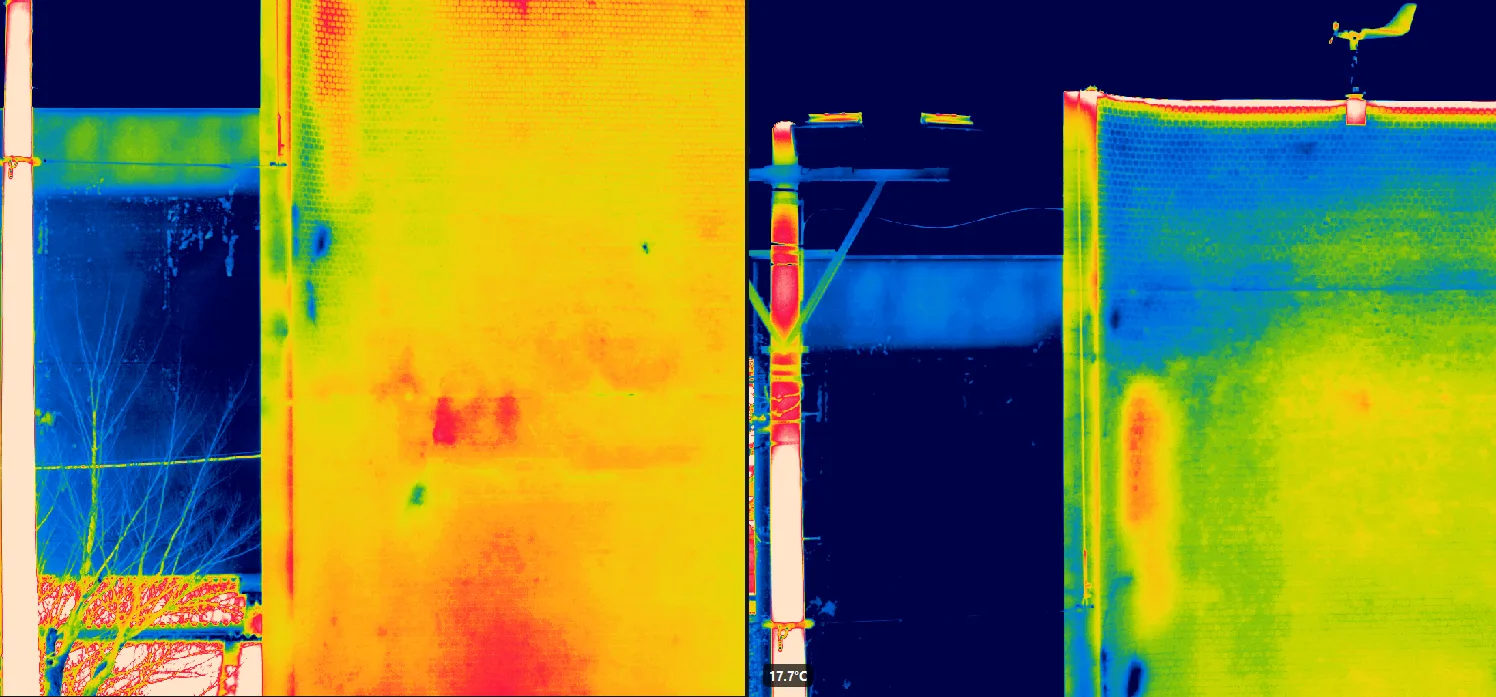
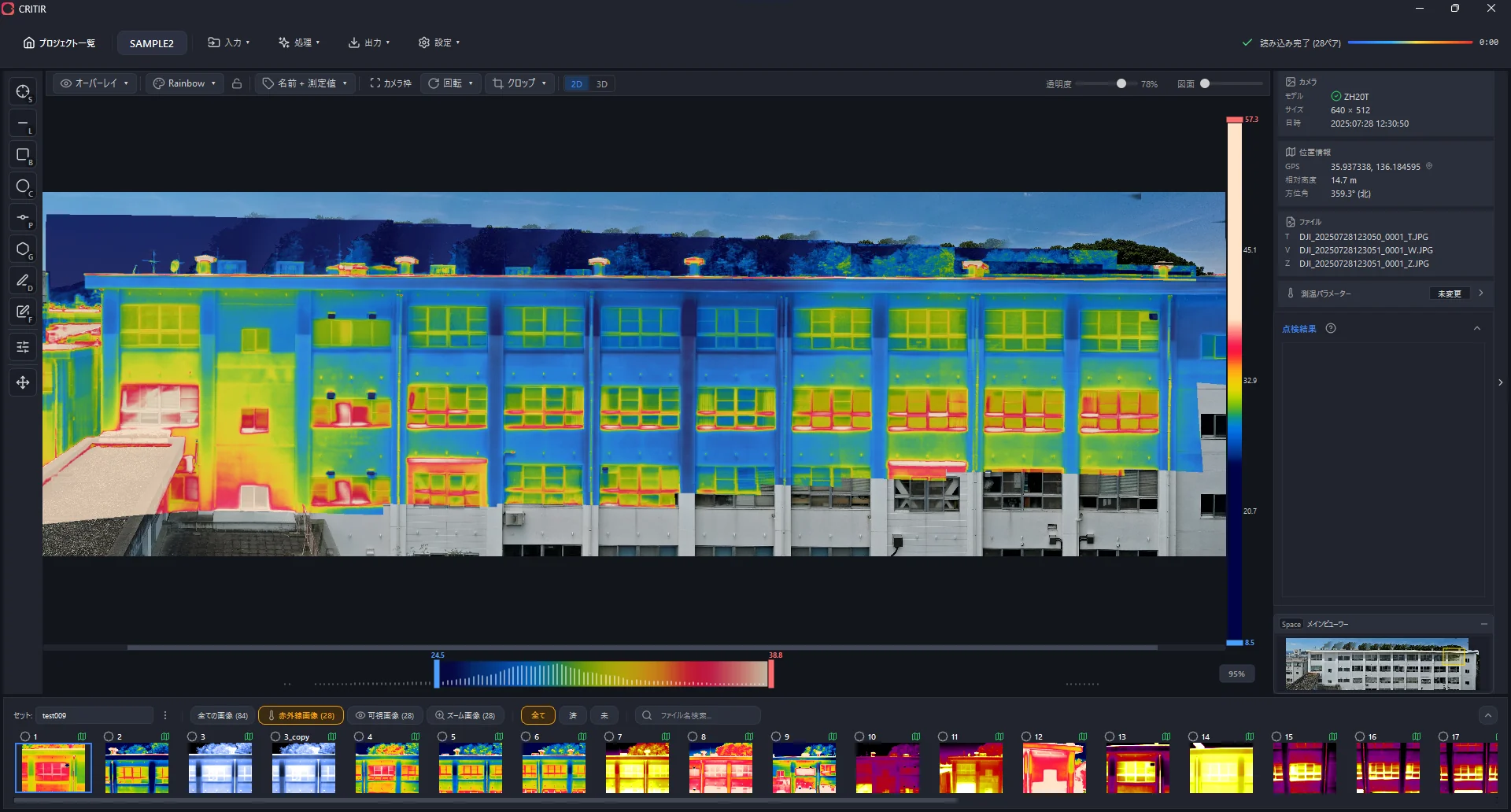
Thermal images too —
into a single orthoimage.
Generate a thermal orthoimage alongside the visible one.
See the entire temperature distribution at a glance and spot anomalies instantly.
Turn your site
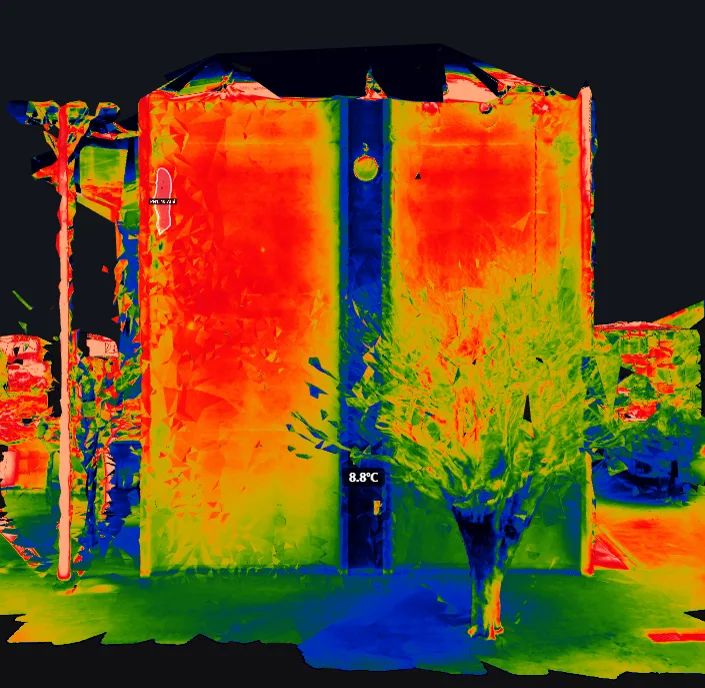
into a 3D model.
Even structurally complex buildings can be represented in 3D.
Linked with the measurement tools and report output, it points to anomalies intuitively.
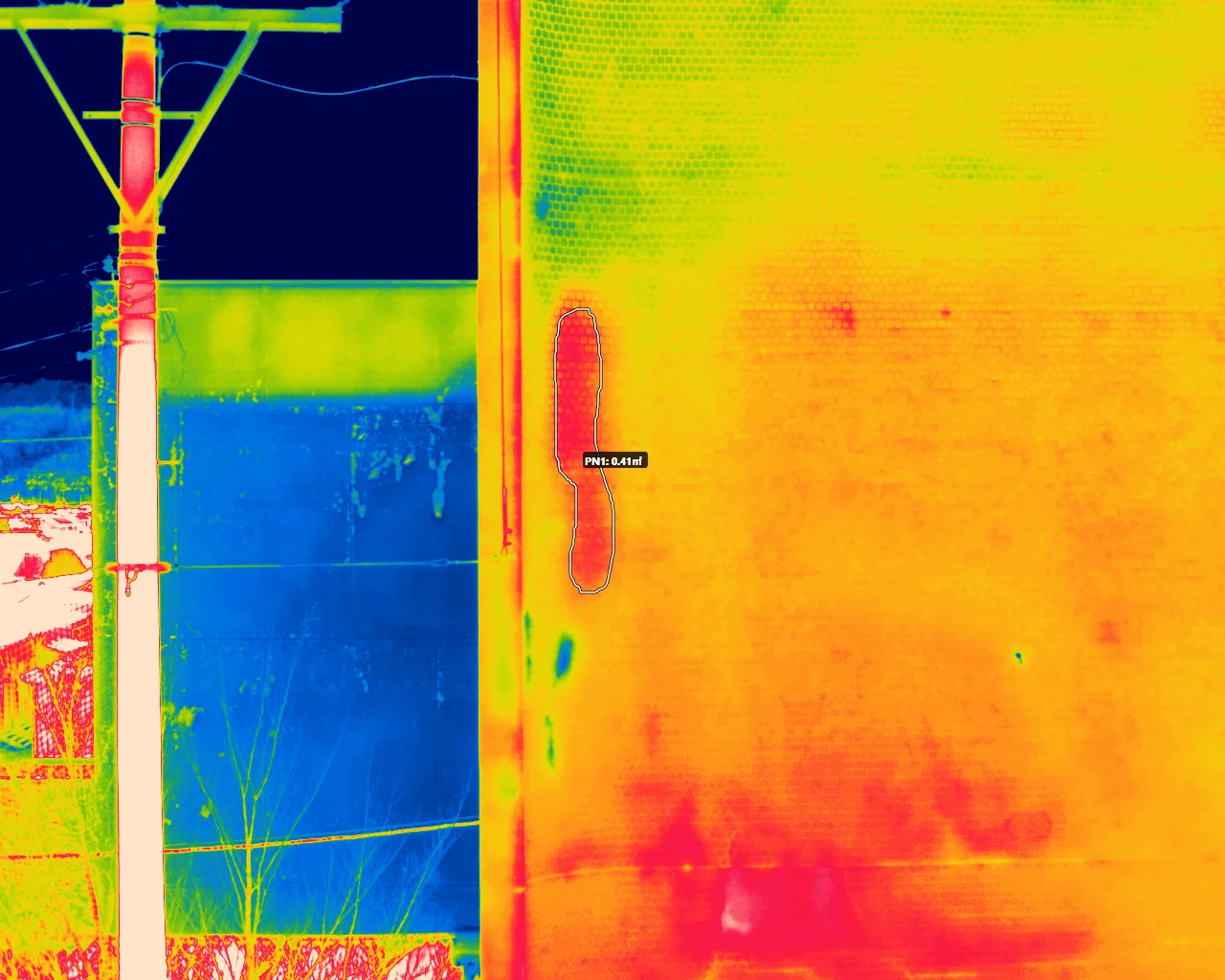
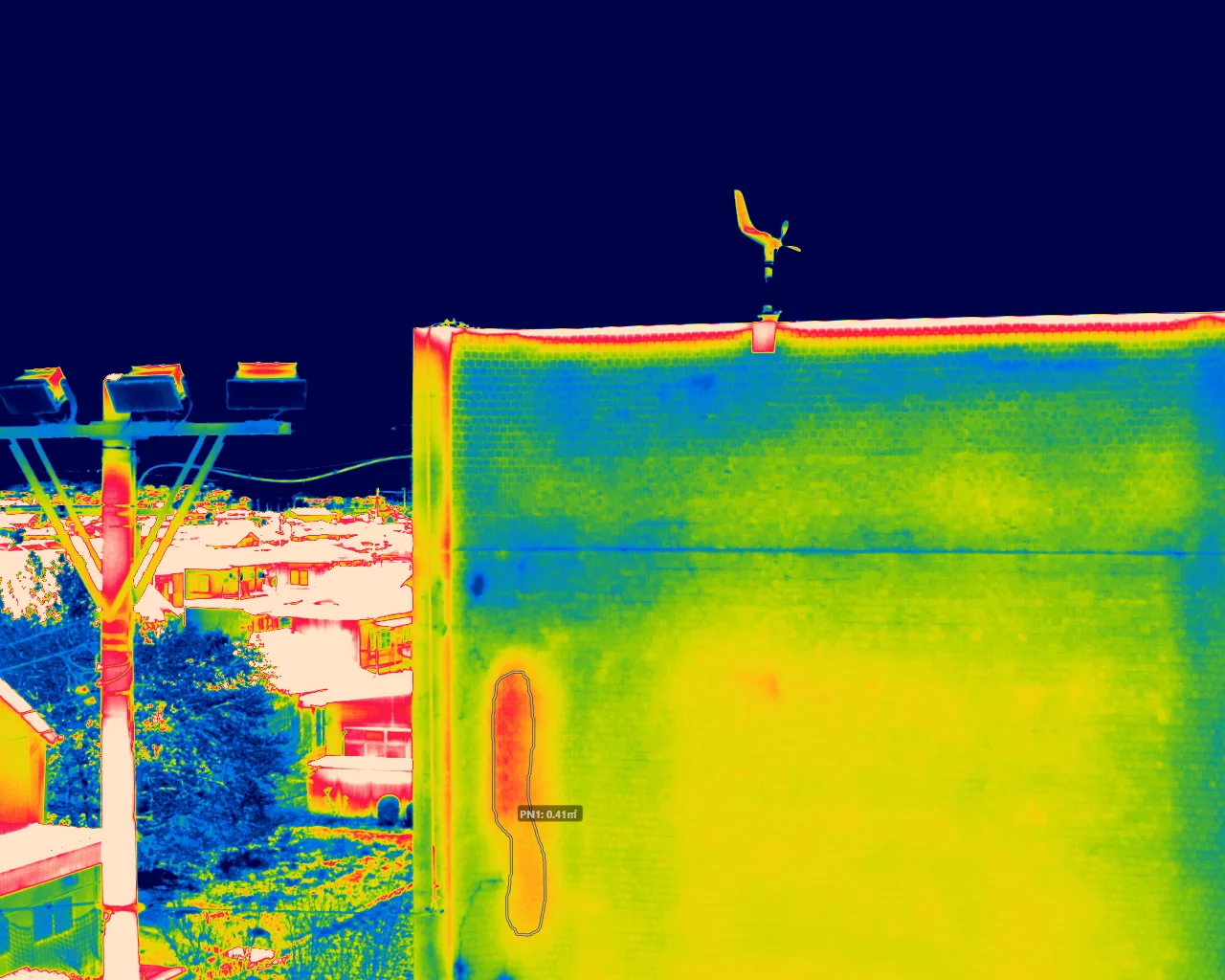
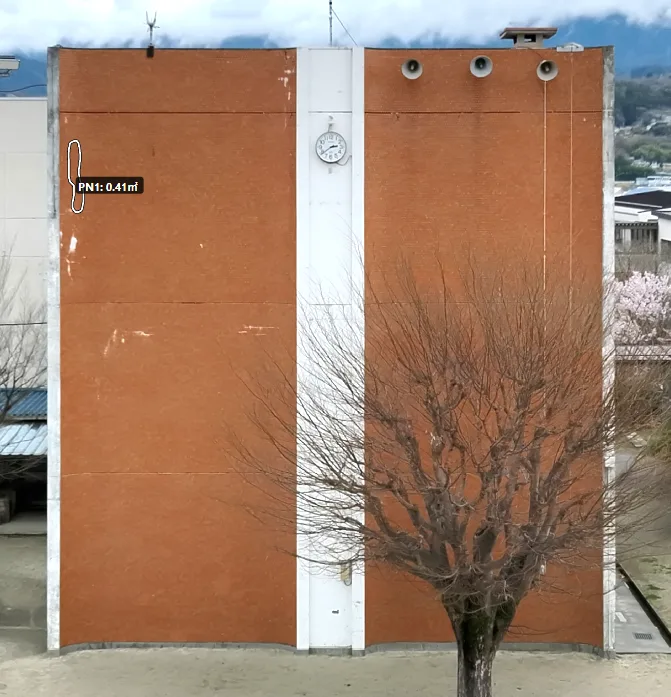
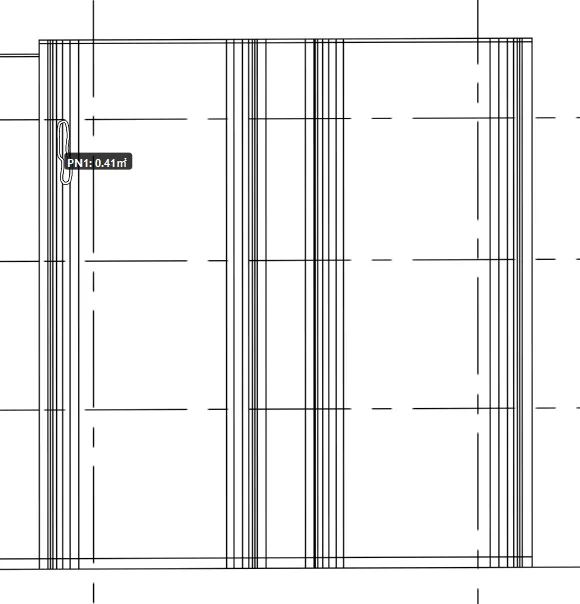
Measure once,
see it everywhere
A measurement made on one image is projected onto every related view. No need to repeat the same work.
Streamline reporting with
a rich template library
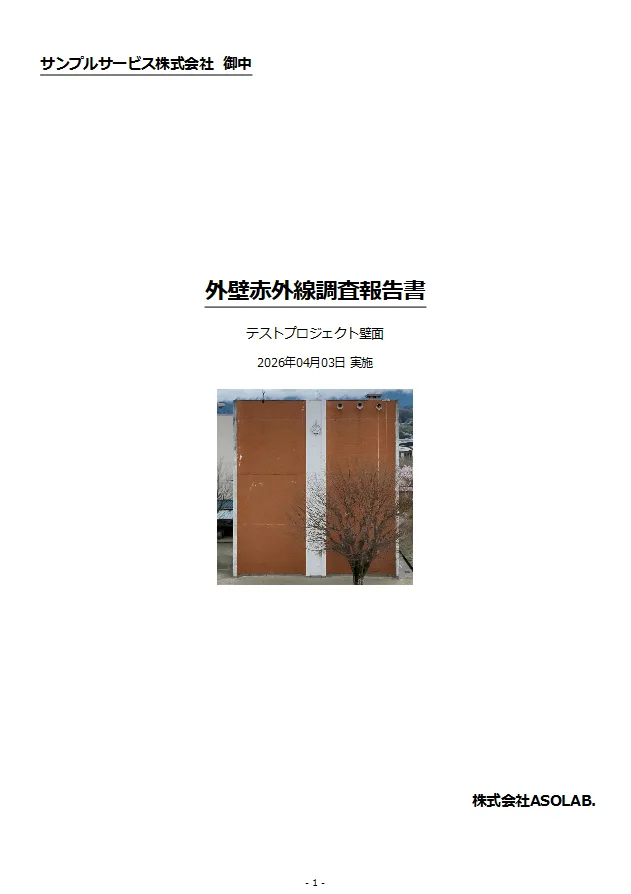
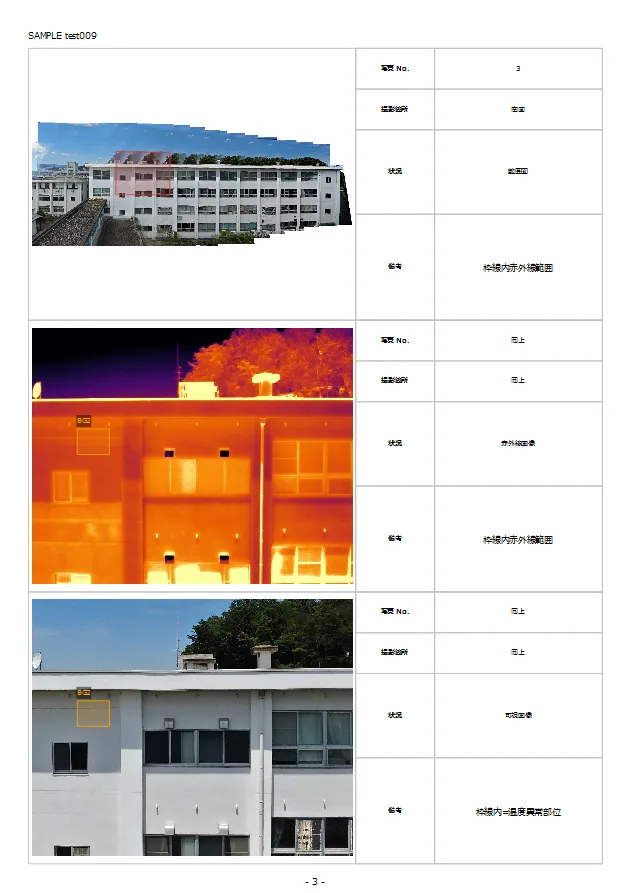
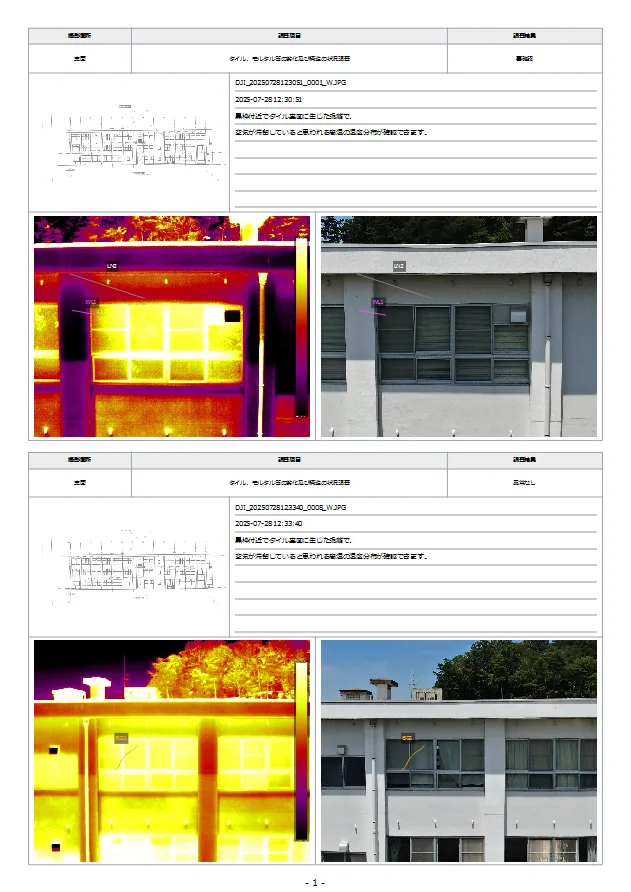
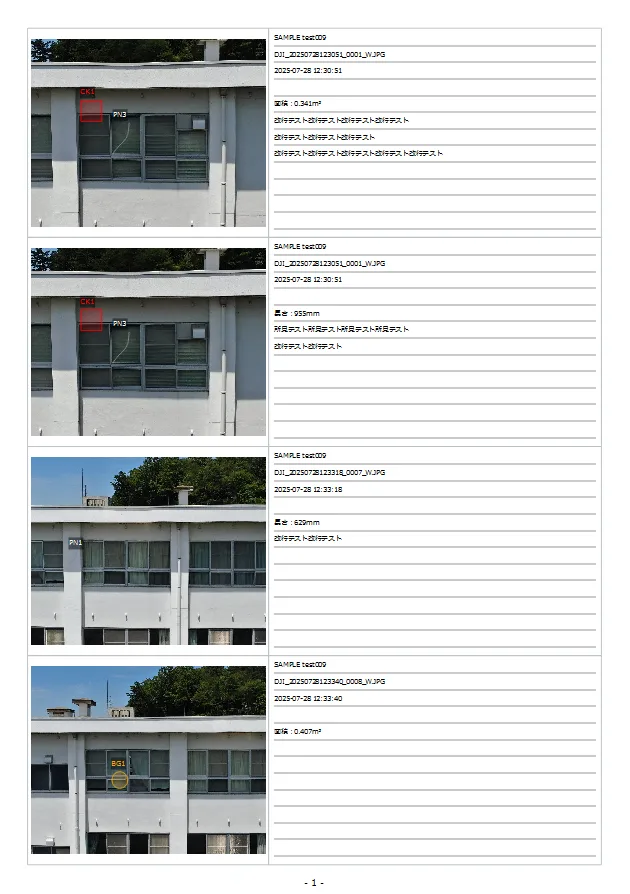
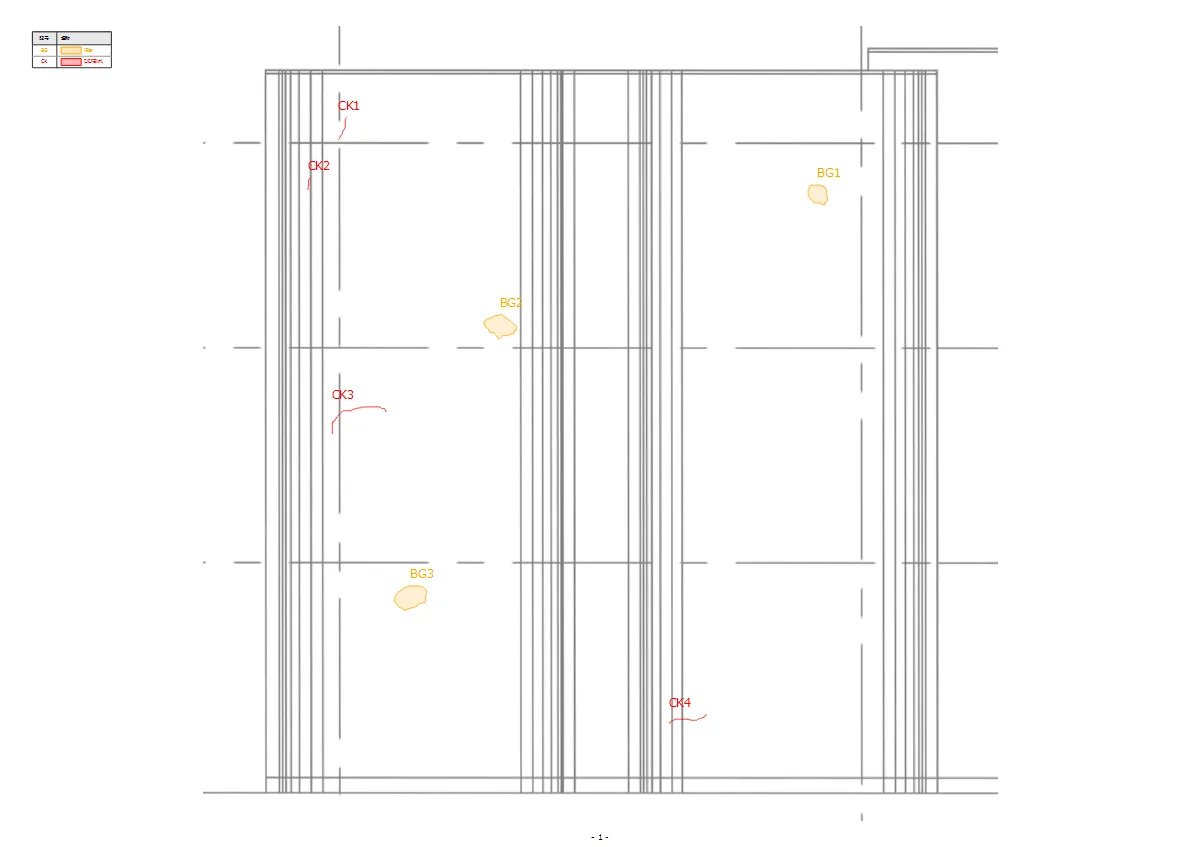
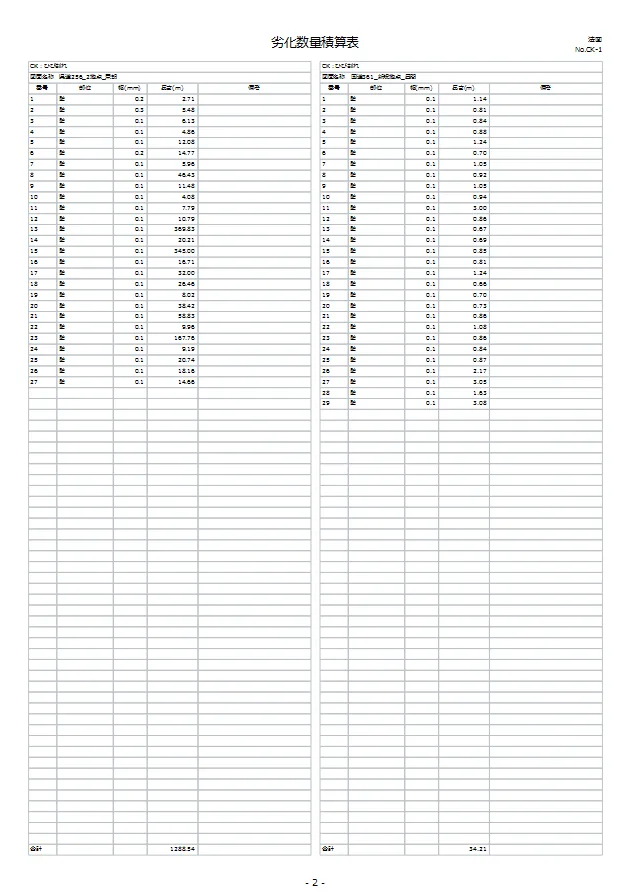
Built-in templates for photo logs, quantity tables, defect maps and more.
Produce the report you need instantly — export to PDF, Word, Excel, or DXF.
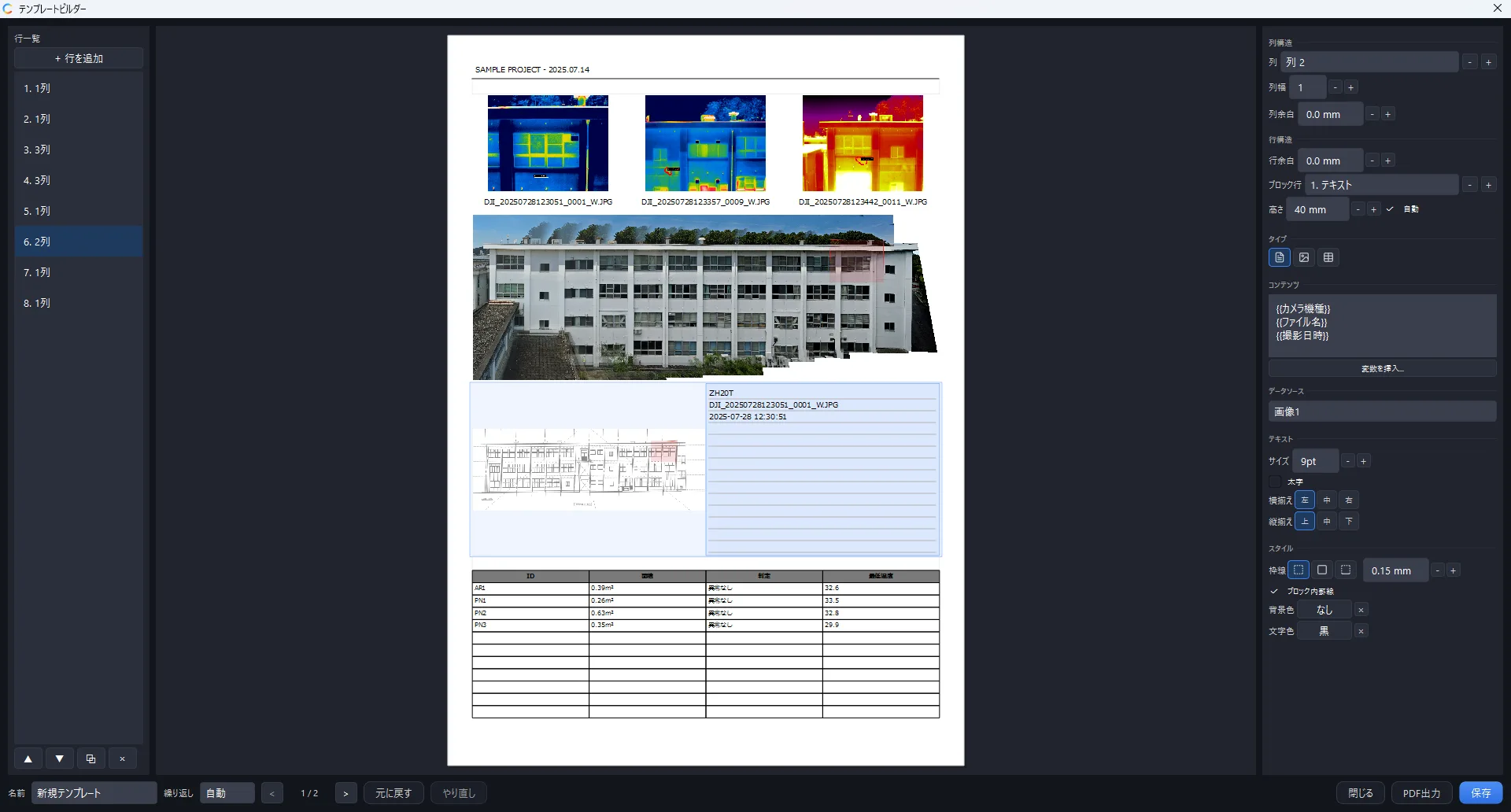
The template builder lets you design your own layouts.
Template builder
Design your company's report layouts with intuitive drag-and-drop controls.
Fine-grained customization to match client requirements.
Lay out one page and the rest are generated automatically.
Thoughtful details,
built for the field
It's not just the headline features.
CRITIR is packed with small touches that lighten daily inspection work. Click any feature to see the details.
Works with major brands of
thermal cameras
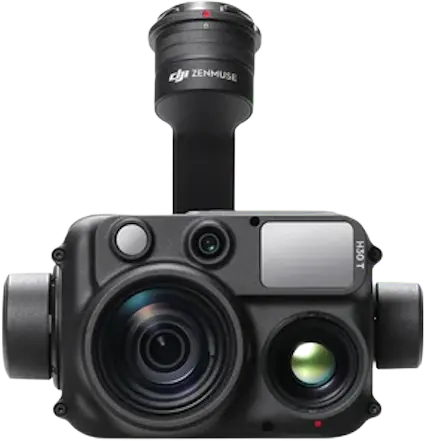
Load thermal images from DJI, FLIR, HIKMICRO, Fluke, Skydio, Autel, NEC Avio, and testo cameras without conversion. Overlay with visible images is supported. You can also request support for cameras not on the list.
Two simple plans
for every use case
Pick from LITE / PRO × annual / perpetual.
A 14-day free trial and online product walkthroughs are available, so you can evaluate CRITIR before purchase.
LITE
For users who want core thermal analysis features
- Direct import of DJI / FLIR / HIKMICRO / Fluke / Skydio / NEC Avio images
- Multiple display modes
- Histogram adjustment
- Full measurement toolset
PRO
Includes orthoimage generation, image linking, and reporting
- All LITE features
- Automatic wall facade orthoimage generation
- Image linking (auto-projection of measurements)
- 3D mesh generation (temperature-mapped 3D models)
- Report templates (PDF / Word / Excel / DXF)
- Template builder
Frequently asked questions
Minimum: Windows 10 (64-bit) / Core i5 / 8 GB RAM / 2 GB free disk. Recommended: Windows 11 (64-bit) / Core i7 or higher / 16 GB+ RAM / SSD, with a display of 1920×1080 or higher. For heavy 3D generation (high-quality meshes and orthoimages), we recommend a CUDA-capable NVIDIA GPU with 8 GB+ VRAM and 32 GB+ RAM.
No. All core features run on CPU only, and without a GPU the CPU builds 3D models of the same quality. A GPU (NVIDIA, AMD or Intel) makes image linking (SfM) and 3D generation faster. Large photo sets can take a long time on CPU alone, so for heavy 3D generation we recommend an NVIDIA GPU with 8 GB+ VRAM (e.g. GeForce RTX series).
No, it is not required. Images from a standard GPS drone can still be used for image linking, wall-facade orthoimages, and 3D models. With images captured by an RTK-capable drone, a fast processing path that leverages the high-precision positions is applied automatically, making image linking significantly faster and improving alignment accuracy and stability. Note that this fast path only applies to images captured while the RTK solution was in FIX state.
DJI R-JPEG, FLIR Radiometric JPEG, HIKMICRO, Fluke .IS2, Skydio (X10 / VT300-Z) R-JPEG, NEC Avio .SIX, testo .BMT, and Autel (EVO II Dual 640T) formats are supported. Visible-light images from any camera model can be loaded as JPEG, PNG or TIFF.
You can submit a support request. We calibrate against your sample images and notify you by email once support is added.
See how to request camera support →We offer a 14-day free trial with full access to PRO features. Please request one through the contact form.
LITE covers core analysis features such as image loading, display, and measurement. PRO adds wall-facade orthoimage generation, image linking (auto-projection of measurements), 3D mesh generation, report templates, and the template builder on top of LITE.
There is no limit on the number of installations. You may install on multiple PCs, but the software can only be used on one PC at a time. For concurrent use, additional licenses are available — please contact us.
Yes — once installed, all features work offline. An internet connection is required only for license activation.
Yes. You can insert your company logo and customize templates. The template builder lets you design custom layouts.